AI is useful in branding and design when it does the sorting, screening and first drafts, and a person makes the decision. It can read 300 customer reviews in a minute, compare the homepages of ten competitors, or pull every color and font size out of a 60-page brand PDF. It cannot tell you which claim your client can back up, which tagline the founder will actually say out loud, or whether a mood direction fits a company it has never visited.
So every workflow on this page follows the same pattern. You give the AI real material: the brand’s own work, its customers’ words, its competitors’ pages, its site. It sorts, compares and drafts. A person checks the output and makes the call.
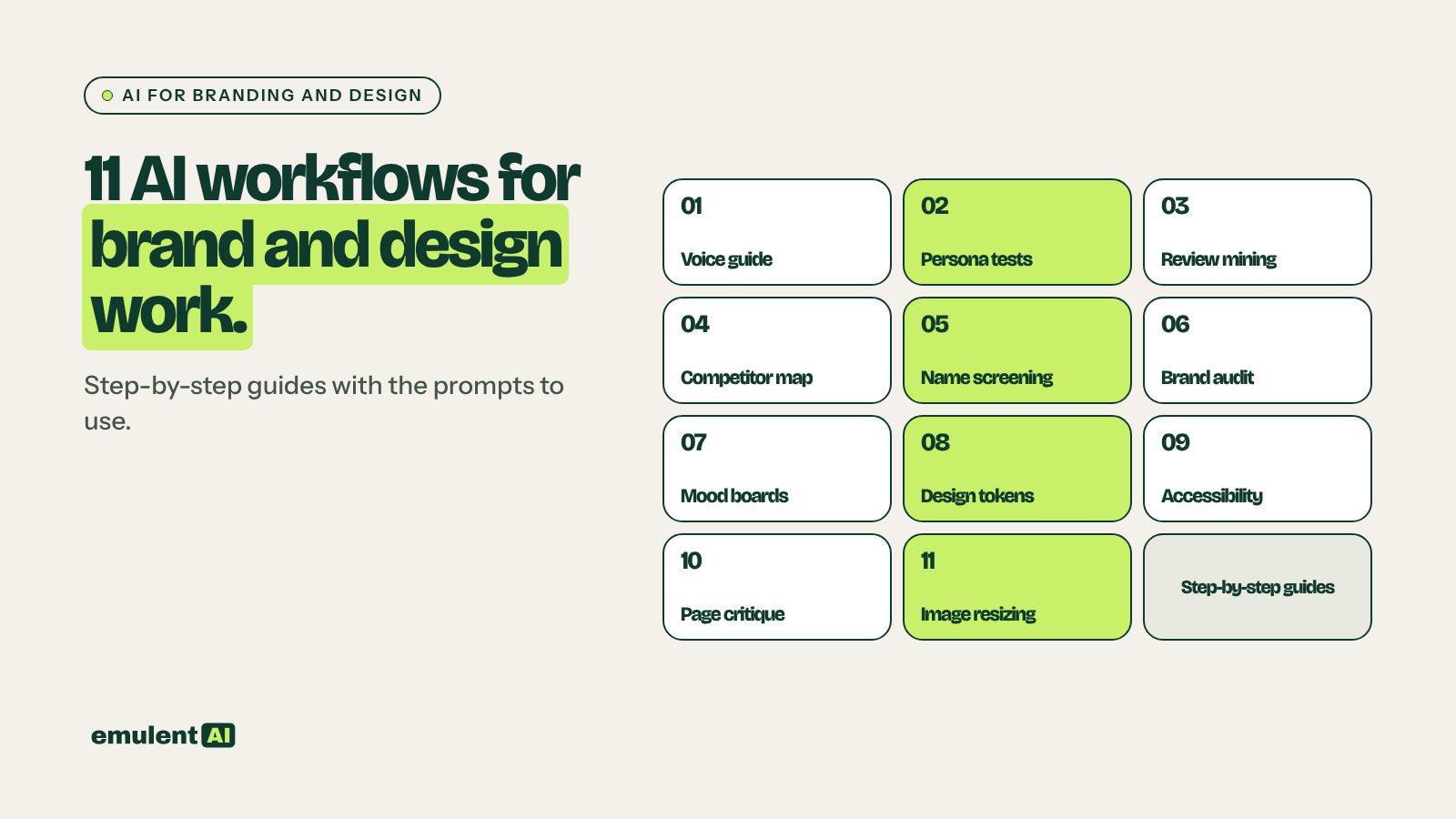
The 11 workflows below are split into brand work and design work. Each has its own step-by-step guide with the prompts to use.
- Brand voice guide: turn 10 to 20 of the brand’s best pieces into a voice guide every writer and tool can use
- Persona message testing: run taglines and headlines past personas built from real customer data
- Review mining: pull the exact phrases customers use for their problems and goals
- Competitor positioning map: plot 8 to 10 competitors and find the open space
- Name and tagline screening: generate a long list, then screen it before anyone falls in love with an option
- Brand consistency audit: check every page and social bio against the brand guide
- Mood boards and hero concepts: show clients 20 directions before design time starts
- Design tokens: turn a site or brand PDF into CSS variables and theme settings
- Accessibility checks: contrast ratios, alt text and heading order
- Landing page critique: a conversion review and a ranked list of A/B tests
- Image resizing: one approved hero image in every size you need
Who this is for
This guide is for agencies, in-house marketing teams and freelancers who handle brand and website work. The workflows apply to any business and any website platform.
What AI does well here, and where it fails
AI is good at reading a lot of material and sorting it: hundreds of reviews, a whole site’s worth of copy, ten competitor homepages, a 60-page brand PDF. It is good at producing many options fast, and at turning a clear description into CSS or a structured document.
It fails in predictable ways. It flattens a voice into the average of everything it has read, so a voice guide written without real examples sounds like every other brand. It treats personas as people, and they are not. It will say a name is available without checking anything. It will invent a hex value when a PDF is blurry. Every guide below includes the check that catches these mistakes.
Brand work
1. Brand voice guide
Most brand guides describe the voice in adjectives: friendly, expert, approachable. Writers and AI tools cannot do much with adjectives. A useful voice guide shows sentence length, the words the brand uses and avoids, how it handles humor and how it addresses the reader, with real examples.
AI can build that guide from 10 to 20 of the brand’s best-performing pieces, chosen by results, not by taste. Save the result as a reusable prompt or a Claude skill, and every writer and tool works from the same rules. Our human2026 skill is an example of the format.
Full guide with prompts: How to write a brand voice guide with AI
2. Persona message testing
Personas built from real customer data (reviews, sales call notes, survey answers) let you test taglines, headlines and positioning statements before you spend money on them. Use them to cut weak options and sharpen the remaining ones. They do not replace talking to real customers, and the guide covers where that line sits.
Full guide with prompts: How to test taglines and headlines on AI personas
3. Review mining
The words customers use for their problems are often very different from how a business describes itself. AI can read the client’s reviews, competitors’ reviews and Reddit threads in the niche, and pull out the exact phrases people use for the problem and the outcome they want. Those phrases make the best headlines and ad copy.
Full guide with prompts: How to mine reviews for customer language with AI
4. Competitor positioning map
Give AI the homepage and About copy from 8 to 10 competitors and have it plot them on two axes, such as price against expertise or friendly against authoritative. Then have it list the claims every one of them makes. The claims everyone makes are not worth making, and the empty space on the map is where the brand can stand apart.
Full guide with prompts: How to build a competitor positioning map with AI
5. Name and tagline screening
AI can generate 200 names or taglines in a minute. The useful part is the screening that follows: meanings in other languages, trademarks to check, domain availability and how easy each one is to remember. A person makes the final call, and a trademark attorney makes the legal one.
Full guide with prompts: How to generate and screen brand names and taglines with AI
6. Brand consistency audit
On a WordPress site that many people have edited over the years, the brand drifts: old offers, three versions of the company name, a service described two ways. AI can read every page and social bio against the brand guide and flag off-voice copy, conflicting claims, outdated offers and inconsistent naming.
Full guide with prompts: How to audit a site for brand consistency with AI
Design and build work
7. Mood boards and hero concepts
Clients react to pictures much faster than to written descriptions. Generating 20 or more mood directions and hero image concepts with Firefly, Midjourney or Figma’s AI tools before design time starts gives the kickoff meeting something to point at, and narrows the brief before a designer spends a day on it.
Full guide with prompts: How to use AI for mood boards and hero concepts
8. Design tokens
Point AI at an existing site or a brand PDF and have it pull out color hex values, a type scale, spacing rules and button styles, then turn them into CSS variables or theme settings. It saves an afternoon of eyedropping and guessing, as long as someone checks the values against the source.
Full guide with prompts: How to turn a brand into design tokens and CSS variables with AI
9. Accessibility checks
AI can check color pairs against WCAG contrast ratios, write descriptive alt text in bulk and flag broken heading order. These fixes help both SEO and accessibility. A person still confirms each one, and automated checks are only part of a full accessibility review.
Full guide with prompts: How to run accessibility checks with AI
10. Landing page critique
Screenshot a landing page and ask AI to review it the way a conversion specialist would: visual hierarchy, how clear the call to action is, friction points and trust signals. Then have it suggest A/B tests ranked by expected impact, and pick which ones to run.
Full guide with prompts: How to get a landing page critique from AI
11. Image resizing
One approved hero image usually needs to become a dozen files: social posts, ads, mobile crops and Open Graph images. Generative expand, background removal and resizing tools do most of that work, with a designer checking each crop.
Full guide with prompts: How to resize one hero image for every placement with AI
What order to do them in
For a rebrand or a new site, this order works:
- Review mining, so you start from the customer’s words.
- The competitor positioning map, so you know where the open space is.
- The brand voice guide, built from the brand’s best work and the customer language.
- Name and tagline screening, if the project includes either.
- Persona message testing on the shortlisted messages.
- Mood boards and hero concepts for the kickoff.
- Design tokens for the build.
- Accessibility checks and a landing page critique before launch.
- Image resizing for launch assets.
- A brand consistency audit every quarter after launch.
What stays with people
Every workflow here ends with a person deciding. AI can sort 300 tagline options or 40 competitor homepages in minutes, but it has never met the client’s customers and does not know which claims the business can back up. Use it to get to the decision faster, then make the decision yourself. If your team needs written rules for which brand work goes to AI and who signs off, that is what our AI governance and brand safety service sets up.
Put this to work with Bill.
Tell Bill about your next brand or website project. He’ll tell you which of these jobs to hand to AI first.
Contact Bill directly
Or call 773-791-3197