This guide is part of our series on AI for branding and design.
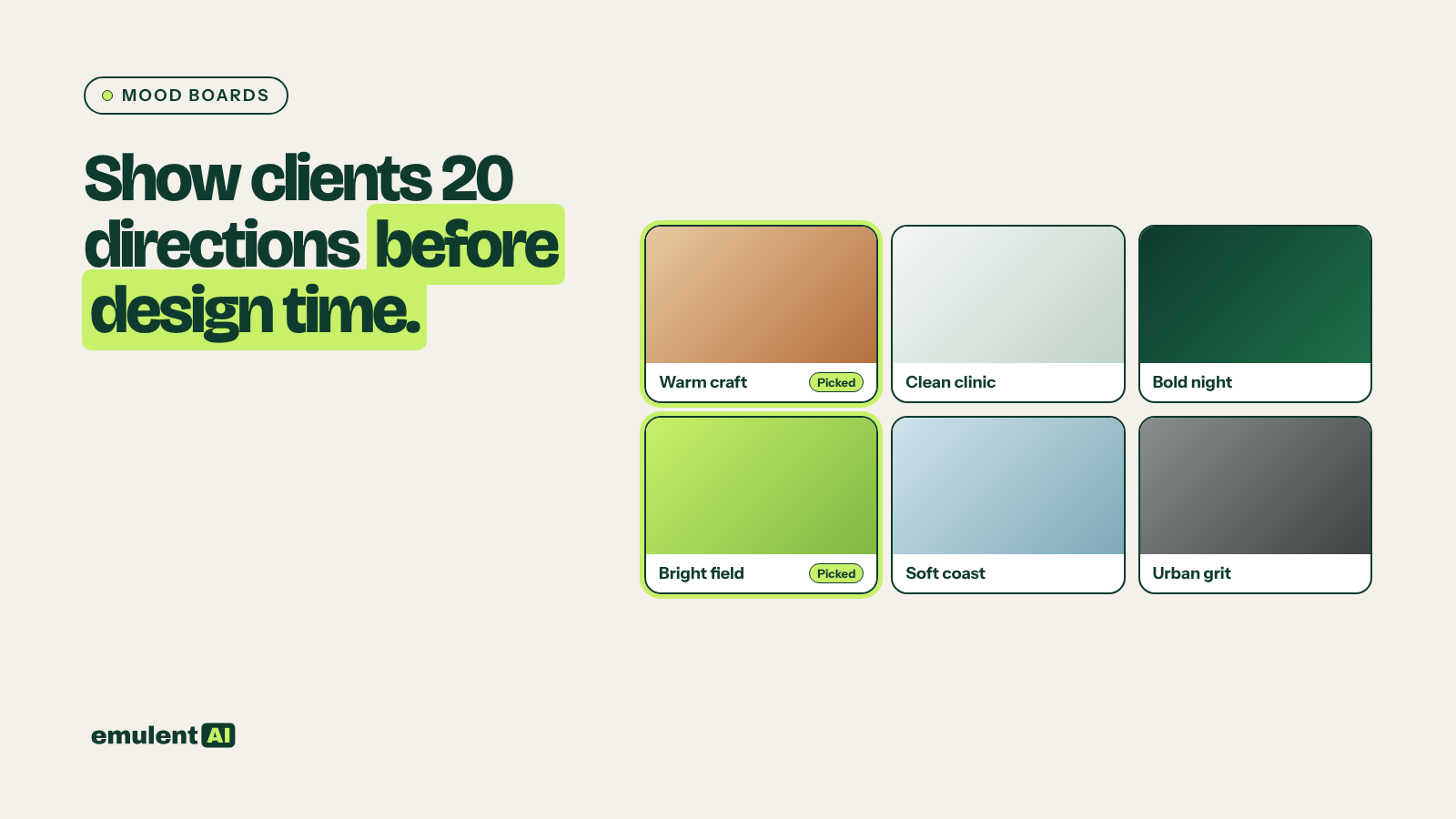
Ask a client to describe the look they want and you get words like “clean,” “modern” and “warm,” which mean something different to everyone. Show them 20 pictures and they will point at two and say “more like this” within a minute. AI image tools make it possible to bring those 20 pictures to the kickoff meeting without a designer spending two days on them.
The goal is to narrow the direction, not to make final art. The final hero image still comes from a designer or a photographer.
What you need
- An AI image tool: Adobe Firefly, Midjourney, or the AI features in Figma
- The brand brief: audience, positioning, the voice guide, and any existing colors or logo
- Three to five reference sites or images the client likes, and any they dislike
- A board to present on: Figma, a slide deck or a shared whiteboard
Step 1: Turn the brief into directions
Ask a text assistant to write 6 to 8 distinct visual directions from the brief before you generate any images:
Based on the attached brand brief, write 8 visual directions for the website.
For each: a two-word name, the mood in one sentence, color direction, type
style, photography or illustration style, and one sentence on why it fits
this audience. Make them meaningfully different from each other, including
at least two that stretch beyond what the client described.
Step 2: Generate images for each direction
For each direction, write image prompts that describe the scene, the light, the color and the style, plus the format. In Midjourney, set the aspect ratio for a wide hero (for example –ar 16:9). Generate three or four images per direction, so each one has a range. In Firefly, the style and composition reference options help keep a direction consistent.
Hero concepts work best when they show the subject the site will actually use: a technician at a real kitchen sink, a team around a table, a product in use. Generic abstract shapes are easy to generate and rarely help a client decide.
Step 3: Build the board
Put each direction on its own panel: the name, the one-sentence mood, a palette strip, a type sample and the three or four images. Keep the panels the same size, so no direction looks favored.
Step 4: Run the kickoff
Ask the client to mark what they like and dislike on each panel, and why, before anyone discusses them. Then talk through the patterns. Most clients will narrow to one or two directions, often a mix of two. Capture the reasons, because they turn into the design brief.
Step 5: Hand off to design
Give the designer the chosen direction, the client’s notes and the generated images as references. Be clear about what the images are: references for mood, not assets for the site.
Checks before you use any of it
- Tell the client the images are AI-generated concepts. Check the terms of the tool and your client contract before using any generated image in final work.
- Do not generate images in the style of a named living artist, and avoid prompts that copy a specific photographer or brand’s look.
- Watch for the usual problems: extra fingers, garbled text in signs, equipment that does not exist. They do not matter on a mood board but will if an image slips into production.
Once a final hero image is approved, image resizing with generative tools turns it into every size you need, and the chosen palette becomes the starting point for design tokens.
Put this to work with Bill.
Tell Bill about your next brand or website project. He’ll tell you which of these jobs to hand to AI first.
Contact Bill directly
Or call 773-791-3197