This guide is part of our series on AI for branding and design.
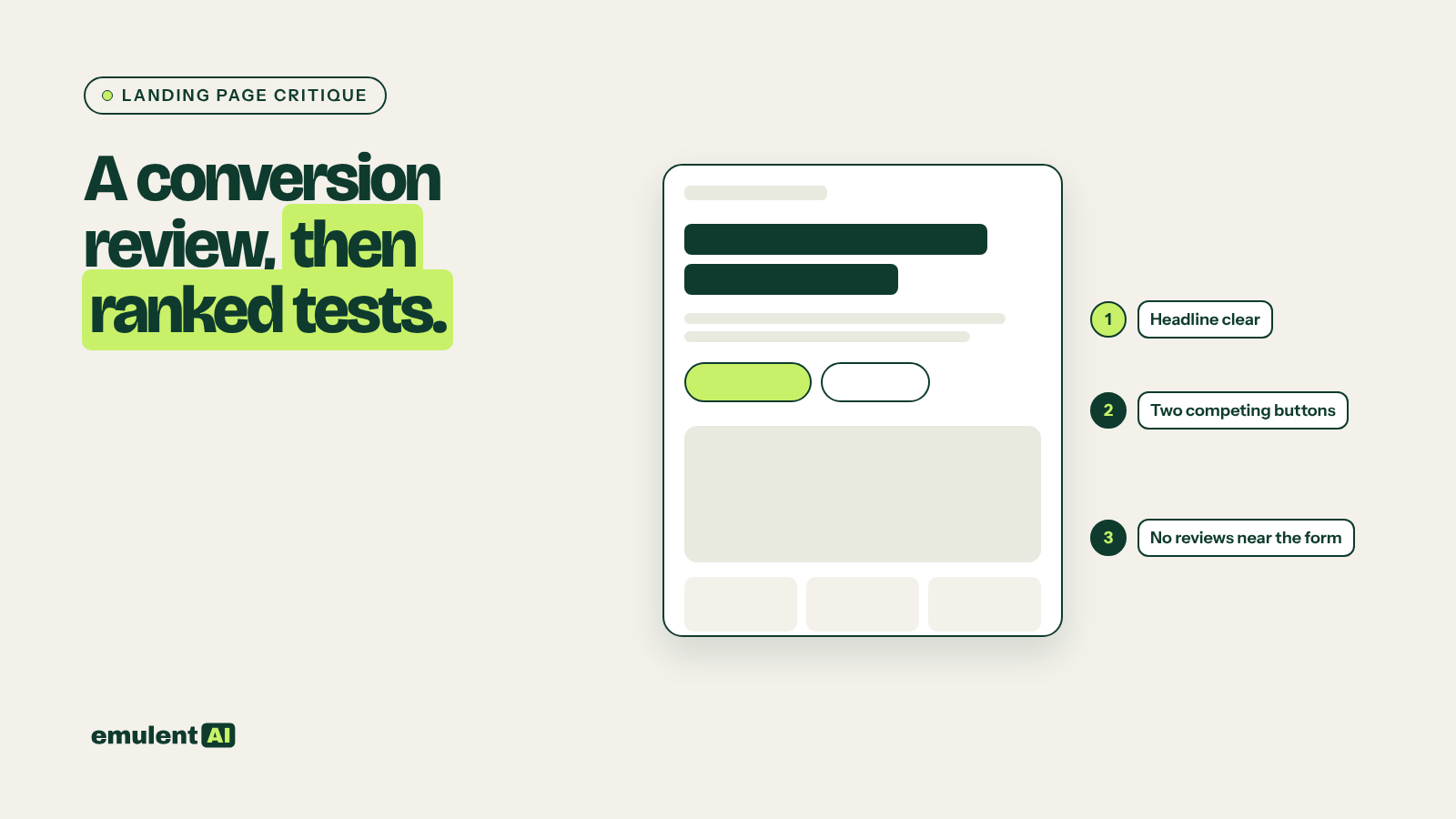
A conversion specialist looks at a landing page and asks a few questions: what does the eye go to first, is it clear what to do next, what might stop someone, and why should they believe the page. AI can do a useful first pass at that review from a screenshot, and then suggest A/B tests ranked by how much each might move the numbers.
It cannot see your analytics or your customers, so its suggestions are hypotheses. The test results decide.
What you need
- An AI assistant that accepts images, such as Claude
- Full-page screenshots of the landing page on desktop and mobile
- The page’s goal and audience in one or two sentences
- Current numbers from GA4 if you have them: sessions, conversion rate, scroll depth
- An A/B testing tool, or the ability to run a before and after comparison
Step 1: Take the right screenshots
Use a full-page screenshot tool to capture the whole page, top to bottom. Capture mobile separately, since most landing page traffic is mobile and the order of elements often changes. Include the page as it looks to a first-time visitor, with any cookie banner or popup visible, because that is what people actually see.
Step 2: Ask for the critique
Attached are desktop and mobile screenshots of a landing page.
Goal: [what a conversion is]. Audience: [who arrives and from where].
Review it as a conversion specialist would:
1. Visual hierarchy: what a visitor sees first, second and third, and
   whether that order matches the goal
2. The call to action: how clear, how visible, how many competing actions
3. Friction: anything that could stop or slow a visitor (form length,
   unclear pricing, jargon, popups, slow-looking elements)
4. Trust: proof present and missing (reviews, results, logos, guarantees,
   real photos, contact details)
5. Mobile differences that hurt the page
Quote or point to the specific part of the screenshot for every point.
Step 3: Turn the critique into ranked tests
Based on your review, suggest 8 A/B tests. For each: the change, the
problem it addresses, the metric it should move, and an estimate of
impact (high, medium, low) and effort (high, medium, low). Rank by impact
divided by effort. Explain the reasoning for the top 3.
Read the ranking as a starting point. You know things the AI does not, such as a legal reason the form needs a field, or a test the team already ran.
Step 4: Run one test at a time
Pick one or two high-impact, low-effort tests. Run each long enough to reach a meaningful number of conversions, which usually takes weeks. If traffic is too low for a proper A/B test, make the change, then compare four weeks before and after, and treat the result with caution.
Step 5: Feed the results back
When a test finishes, give the AI the result and the next screenshot. Over a few rounds, the critiques get more specific to this audience. Keep a log of every test, its result and the date.
Checks before you change the page
- Check the critique against the real page. Screenshots can hide hover states, animation and load time.
- Confirm that any trust element you add is true: real reviews, real results, real logos with permission.
- Look at the page’s data first. Our guide to conversion path analysis shows how to find which landing pages get traffic but no leads, so you critique the pages that matter most.
Customer phrases from review mining are often the best replacement headlines to test.
Put this to work with Bill.
Tell Bill about your next brand or website project. He’ll tell you which of these jobs to hand to AI first.
Contact Bill directly
Or call 773-791-3197