Technical SEO tools are very good at finding problems and very bad at explaining them. A Screaming Frog crawl of a 2,000-page site can produce 40 issue types and tens of thousands of rows. Semrush Site Audit adds its own list. Nobody reads all of it, and the person who has to fix it, often a developer or a client, does not know which three issues matter and which forty can wait.
AI fills that gap. Given the exports, it can sort issues by impact, explain them in plain words, match thousands of old URLs to new ones during a migration, write structured data from real page details, and describe hundreds of images. It does not replace the crawler or Search Console. It turns their output into decisions and finished work.
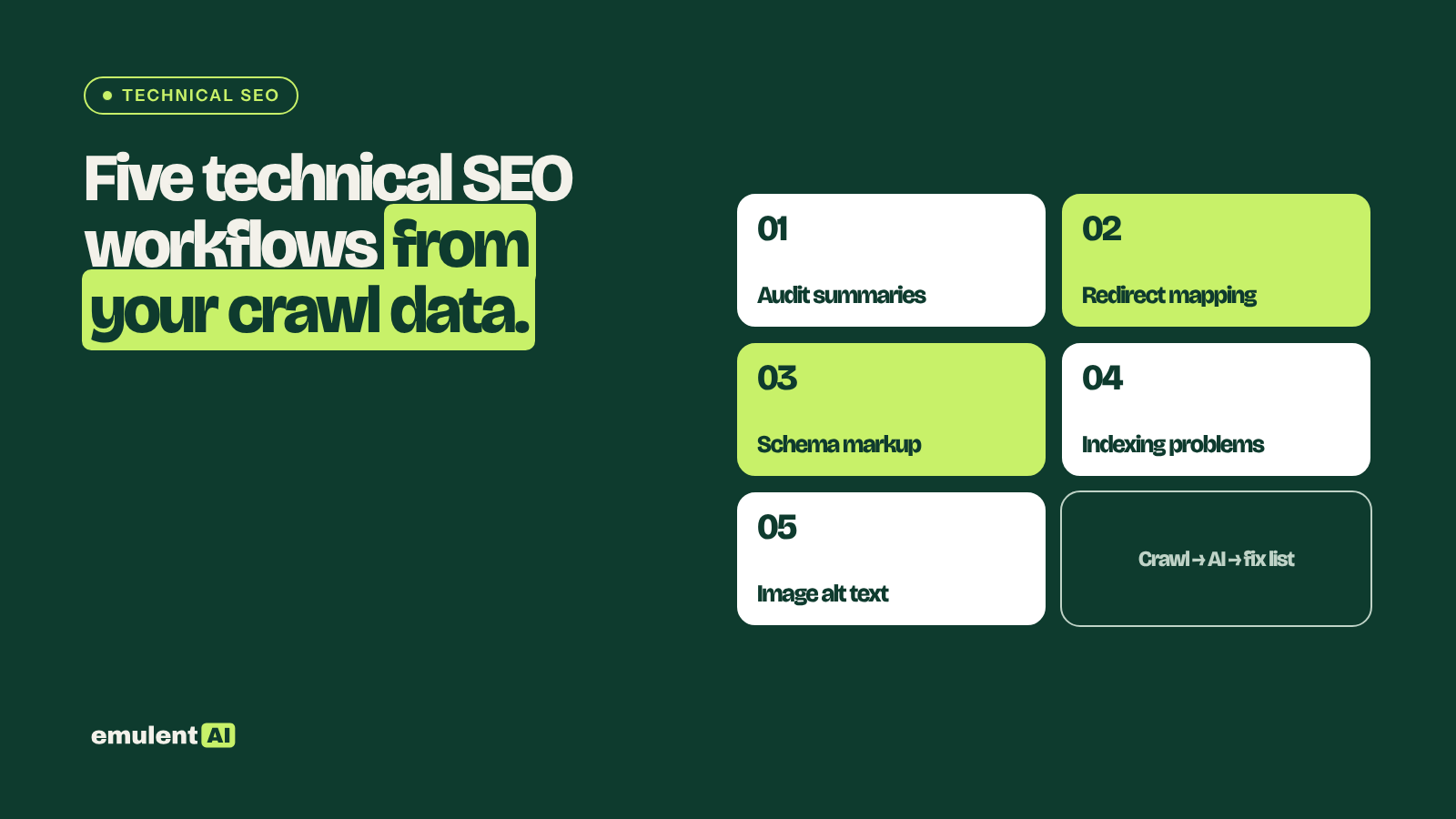
This page covers five workflows, each with its own step-by-step guide:
- Technical audit summaries: turn crawl exports into a ranked, plain-English fix list
- Redirect mapping for migrations and redesigns: match old URLs to new destinations and protect high-value pages
- Schema markup generation: find pages missing structured data and write valid JSON-LD
- Indexing problem diagnosis: work out why pages are not indexed
- Image alt text at scale: write accurate alt text for every image that lacks it
Where AI fits in a technical audit
Crawlers collect facts: status codes, canonical tags, response times, missing tags. Search Console reports what Google did with the site: which pages it indexed, which it skipped and why. AI’s job sits between those sources and the fix:
- Joining exports that tools keep separate, such as crawl data and Search Console indexing status for the same URL
- Sorting issues by how many important pages they affect, instead of by how many rows they have
- Explaining each issue in words a developer, writer or business owner can act on
- Producing the actual output: redirect maps, JSON-LD, alt text, ticket descriptions
What AI cannot do is see the site itself. It only knows what is in the files. If a crawl missed a section because of a robots.txt rule or JavaScript rendering, the AI will not know that section exists. Check crawl settings before trusting any analysis built on the crawl.
The tools you need
| Tool | Used for |
|---|---|
| Screaming Frog SEO Spider | Crawling the site; exporting issues, links, canonicals, directives, images and structured data |
| Semrush Site Audit | A second issue list with its own checks and history over time |
| Google Search Console | Page indexing report, URL Inspection, Core Web Vitals, clicks per page |
| GA4 | Sessions and key events per page, to weigh issues by business value |
| An AI assistant that reads files | Claude or similar |
Connecting Screaming Frog to Search Console and GA4 (Configuration > API Access) adds clicks, impressions and sessions to each crawled URL. That one setting makes every workflow below more accurate, because the AI can see which pages earn traffic.
1. Technical audit summaries
The raw output of an audit is a list of issues. What a client or developer needs is a short list of fixes, in order, with the reason for each. The AI joins Screaming Frog and Semrush exports, removes duplicate findings, weighs each issue by how many traffic-earning pages it touches, and writes a fix list grouped by who does the work. The guide includes a template for the final report and prompts for developer tickets.
Full guide with prompts: How to use AI to turn technical audits into a fix list
2. Redirect mapping for migrations and redesigns
Redirect mapping is where migrations succeed or fail. Missing or wrong redirects throw away the rankings and links that old URLs earned. The AI matches old URLs to new ones by URL pattern, title, H1 and content, gives a confidence score for each match, and flags the high-value pages (from Search Console clicks, GA4 key events and backlinks) that a person must check by hand. The guide covers pre-launch checks and what to watch in the weeks after launch.
Full guide with prompts: How to use AI for redirect mapping in site migrations
3. Schema markup generation
Screaming Frog can extract the structured data on every page and show which templates have none. The AI then writes JSON-LD for each page type, Article, Product, Organization, LocalBusiness and others, filled with real details from the page and from the business’s Google Business Profile. The guide covers which schema types still produce rich results in 2026 (FAQ rich results were retired in May 2026), validation, and installing markup in WordPress.
Full guide with prompts: How to use AI to generate schema markup
4. Indexing problem diagnosis
Search Console’s page indexing report lists the reasons pages are not indexed, but not which reason applies to your most important pages or what caused it. Joining that report with crawl data on canonicals, noindex tags, internal links, word count and duplicate content lets the AI explain each group of unindexed pages and separate the ones that need fixing from the ones that should stay out of the index.
Full guide with prompts: How to use AI to diagnose indexing problems
5. Image alt text at scale
Alt text describes an image for people using screen readers and helps search engines understand images. Most sites have hundreds of images without it. Screaming Frog exports every image missing alt text with the page it appears on; an AI model that can see images writes a description for each, using the page context. The guide covers decorative images, keyword use and bulk uploading in WordPress.
Full guide with prompts: How to use AI to write image alt text at scale
What order to run them in
- Run the audit summary first. It shows which of the other workflows the site needs most.
- Fix indexing problems on important pages next, since unindexed pages cannot rank at all.
- Add schema and alt text as part of template and content work.
- Use redirect mapping whenever URLs change: a migration, a redesign, a CMS move, or merging content.
Frequently asked questions
Can AI run a technical SEO audit by itself?
Not without data. An AI assistant cannot crawl a site or see Search Console unless you give it the exports or connect it to those tools. Its strength is reading what the tools collected and turning it into priorities and fixes.
Is AI-generated schema safe to use?
Yes, if it is validated and accurate. Schema must describe what is actually on the page. Run every block through Google’s Rich Results Test or the Schema Markup Validator, and check facts like prices, hours and addresses against the source.
How large a crawl can AI handle?
It depends on the assistant. For big sites, filter the exports first: only indexable HTML pages, only the issue columns you need, or one issue type at a time. Summaries by template or folder also keep files small.
Should developers trust AI-written tickets?
They should treat them like any ticket: a clear description of the problem and the expected result. Include example URLs and the source data with each ticket so the developer can confirm the issue before changing anything.
Put this to work with Bill.
Send Bill your exports and tell him what you are trying to fix. He’ll tell you which of these workflows to run first.
Contact Bill directly
Or call 773-791-3197