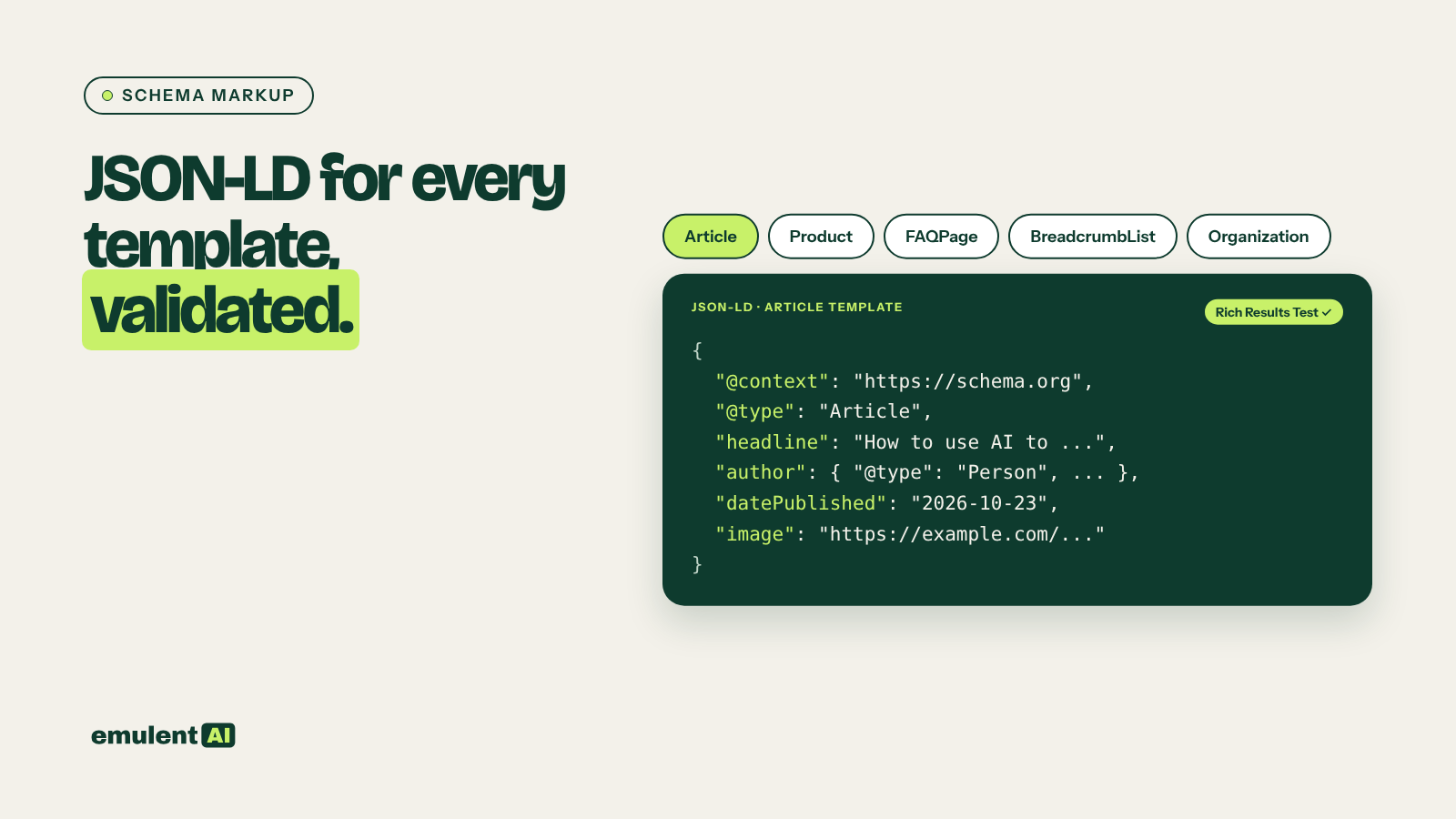
This guide is part of our series on AI for technical SEO audits.
Schema markup is structured data, usually written as JSON-LD, that tells search engines what a page is about: a product with a price, an article with an author, a business with an address and opening hours. Online schema generators fill in one page at a time from a form. AI can write markup for every page type on a site from real data, as long as the data is accurate and every block is validated.
Which schema types still earn rich results
Google supports only some schema types for rich results, and the list changes. Before writing markup, check Google’s structured data search gallery. As of October 2026:
| Type | Use it for | Rich result in Google |
|---|---|---|
| Organization | The business, on the homepage or about page | Can feed logo and business details |
| LocalBusiness (and subtypes) | Each physical location, on its location page | Business details for local results |
| Article, BlogPosting | Blog posts and news | Article features such as headline and image |
| Product with Offer | Product pages | Price, availability and review stars in results |
| BreadcrumbList | Any page with breadcrumbs | Breadcrumb trail in place of the URL |
| FAQPage | Pages with genuine FAQs | None: FAQ rich results stopped appearing for all sites on May 7, 2026 |
FAQ markup is still valid schema.org vocabulary and does no harm on pages with real FAQs, but it no longer produces a visible result in Google. Do not spend time adding it for search appearance.
What you need
- Screaming Frog, with structured data extraction turned on
- Your Google Business Profile details (name, address, phone, hours, categories) for any LocalBusiness markup
- Product data from your store or feed for Product markup
- An AI assistant that reads CSV files, such as Claude
- Google’s Rich Results Test and the Schema Markup Validator (validator.schema.org)
Step 1: Find pages missing structured data
In Screaming Frog, go to Configuration > Spider > Extraction and turn on JSON-LD, Microdata and RDFa, plus schema.org and Google validation. Crawl the site. The Structured Data tab then shows which pages have markup, which types, and which have errors or warnings. Filter for “Missing” and export, along with each URL’s title, H1 and page template or folder.
Step 2: Group pages by template
Attached is a Screaming Frog export of URLs with their structured data status,
types found, errors, title, H1 and folder.
1. Group URLs by page type based on folder and title patterns: homepage,
   location page, service page, blog post, product page, category page, other.
2. For each group, list: count of URLs, schema types currently present, errors
   and warnings, and schema types that should be present.
3. Flag pages with markup that does not match the page (for example Product
   markup on a blog post).
Output a summary table and a URL-level CSV.
Schema is best added at the template level. One correct template for blog posts covers every post; editing pages one at a time does not scale.
Step 3: Collect the real data for each type
AI should never invent schema values. Gather the source data:
- Organization: legal name, logo URL, website, social profiles, contact phone
- LocalBusiness: everything from each location’s Google Business Profile, copied exactly. Our guide to LocalBusiness schema for each location covers multi-location setups in detail.
- Article: headline, author name and profile URL, publish and modified dates, featured image
- Product: name, image, description, SKU, brand, price, currency, availability, and review data if reviews are collected on the site
Step 4: Have the AI write the JSON-LD
Write JSON-LD for each page type below using only the attached data.
Rules:
- Use the most specific schema.org type (for example Plumber instead of
  LocalBusiness, BlogPosting instead of CreativeWork).
- Include Google's required and recommended properties for that type where the
  data has them. Leave out any property with no data; never use placeholder
  values.
- Give each entity an @id (page URL + #type) and connect them: the Article's
  publisher points to the Organization @id; a LocalBusiness points to the
  Organization with parentOrganization.
- For a template, mark which values come from page fields (for example
  {post_title}, {post_date}) so a developer can wire them in.
- Do not add FAQPage markup unless asked, and never mark up reviews of our own
  business on our own site.
Output one code block per page type, with notes on any missing data.
Step 5: Validate
- Test a sample of filled-in pages in the Rich Results Test, which shows whether Google can use the markup for rich results.
- Test the same pages in the Schema Markup Validator, which checks against the full schema.org vocabulary.
- Ask the AI to compare values in the markup against the visible page: prices, dates, author names and hours must match what visitors see. Markup that differs from the page breaks Google’s structured data guidelines.
Step 6: Install it
On WordPress, check what your SEO plugin already outputs before adding anything. Yoast and Rank Math generate Organization, WebSite, Article and BreadcrumbList by default, so adding a second Article block creates duplicates. Usually the work is filling gaps the plugin leaves: LocalBusiness on location pages, Product details, or connecting entities with matching @id values. Add template-level markup in the child theme or with a plugin that supports per-template code. For Shopify stores, most themes already output Product markup; edit the theme’s JSON-LD snippet instead of adding a second block.
After deploying, clear the cache and run URL Inspection in Search Console on a few pages.
Step 7: Monitor
Search Console’s enhancement reports (Products, Breadcrumbs and others) show valid items, warnings and errors over time. A sudden rise in errors usually follows a theme or plugin update. Re-crawl with structured data extraction monthly, or include it in each technical audit summary. If marked-up pages are not appearing in search at all, the problem is indexing, not schema, which our guide to diagnosing indexing problems covers.
Put this to work with Bill.
Send Bill your exports and tell him what you are trying to fix. He’ll tell you which of these workflows to run first.
Contact Bill directly
Or call 773-791-3197