This guide is part of our series on AI for technical SEO audits.
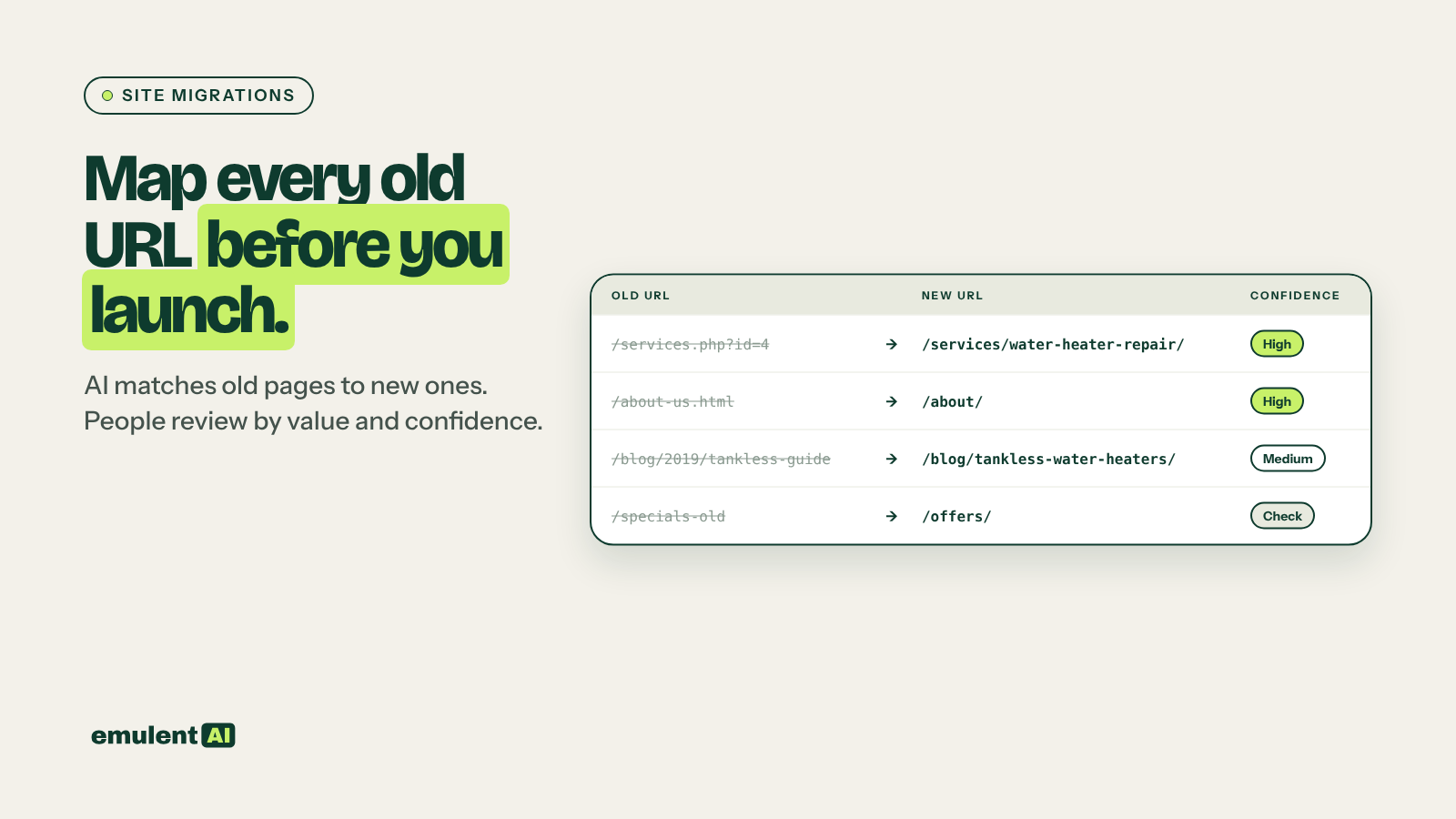
When URLs change in a migration, redesign or CMS move, every old URL needs a 301 redirect to the most relevant new page. Get it right and rankings usually settle within weeks. Get it wrong, by redirecting everything to the homepage or leaving old URLs to 404, and the site can lose the rankings and links those pages earned over years. Matching thousands of URLs by hand is slow and error-prone. AI can produce a first-pass map in minutes, with confidence scores that tell you where to spend your checking time.
What you need
- Screaming Frog, to crawl the old site (live) and the new site (staging)
- Google Search Console, with 12 months of clicks per page
- GA4, with sessions and key events per landing page
- Semrush Backlink Analytics, to find old URLs with external links
- An AI assistant that reads CSV files, such as Claude
Step 1: Build the complete old URL list
A crawl alone misses pages that are no longer linked but still get traffic or links. Combine:
- A Screaming Frog crawl of the live site
- All URLs from the XML sitemaps
- Every page with clicks in Search Console over the last 12 months
- Every landing page with sessions in GA4 over the last 12 months
- Every URL with backlinks in Semrush (Backlink Analytics > Indexed Pages)
Ask the AI to merge and deduplicate these, normalizing protocol, trailing slashes and parameters.
Step 2: Crawl the new site
Crawl the staging site with Screaming Frog. If staging is password protected, add the credentials under Configuration > Authentication. Export URL, title, H1, meta description, and the first 200 words of body text (using Custom Extraction) for every indexable page.
Step 3: Score the old pages by value
Attached is the merged old URL list with Search Console clicks (12 months), GA4
sessions and key events, and referring domains from Semrush.
Score each old URL as:
- Tier 1: top 10% by clicks, or any key events, or 5+ referring domains
- Tier 2: any clicks, sessions or referring domains
- Tier 3: no traffic and no links
Output CSV with the tier and the reason.
Tier 1 pages get a manual check on every redirect. Tier 3 pages can rely on the AI match or pattern rules.
Step 4: Have the AI match old URLs to new ones
Attached are (1) old URLs with title, H1, meta and first 200 words, and tier,
and (2) new URLs with the same fields.
For each old URL, find the best new destination:
1. First try URL pattern matches (same slug, or a known folder change such as
   /blog/ to /resources/).
2. Then match on title and H1 similarity.
3. Then match on content similarity.
4. If no new page covers the same topic, suggest the closest parent category
   page and mark it PARENT.
5. Never suggest the homepage unless the old URL was the homepage.
Give each match a confidence score (high, medium, low) and the method used.
Output CSV: old URL, tier, new URL, confidence, method, note.
Keep the homepage rule. Google tends to treat mass redirects to the homepage as soft 404s, which means the old page’s value is lost anyway.
Step 5: Review by tier and confidence
- Check every Tier 1 match by hand, whatever its confidence.
- Check every low-confidence match.
- Spot-check 10 percent of high-confidence Tier 2 and Tier 3 matches.
- Decide on PARENT matches: is there really no equivalent page, or should one be created before launch?
Tier 1 pages with no good match are a warning sign. If the redesign removed a page that earned traffic and links, consider keeping or recreating it.
Step 6: Build and test the redirects before launch
- Write redirects as one-to-one rules where possible, with pattern rules (regex) for large groups that follow a clear structure.
- Avoid chains: if an old URL already redirects somewhere, point it straight to the final new URL.
- On WordPress, use your host’s redirect rules or a redirect plugin; Kinsta lets you add redirect rules in MyKinsta at the server level, which is faster than a plugin.
- Test the full old URL list in Screaming Frog’s List mode on staging (or right after launch). Every URL should return one 301 hop to a 200 page.
Step 7: Launch and monitor
On launch day, submit the new sitemap in Search Console, keep the old sitemap available for a few weeks so Google recrawls old URLs and finds the redirects, and use the Change of Address tool if the domain changed. Keep redirects in place for at least a year; Google’s site move guidance recommends longer where possible.
For the first eight weeks, check weekly:
- Search Console page indexing report for new 404s and redirect errors
- Clicks and impressions for Tier 1 pages compared with before launch
- Any old URLs still showing in search results
Ask the AI to compare pre- and post-launch Search Console data for Tier 1 pages each week and flag any that dropped more than 30 percent. If many new pages show “Crawled – currently not indexed”, see our guide to diagnosing indexing problems. A post-launch crawl run through our audit summary workflow catches template issues the migration introduced.
Put this to work with Bill.
Send Bill your exports and tell him what you are trying to fix. He’ll tell you which of these workflows to run first.
Contact Bill directly
Or call 773-791-3197