This guide is part of our series on AI content strategy.
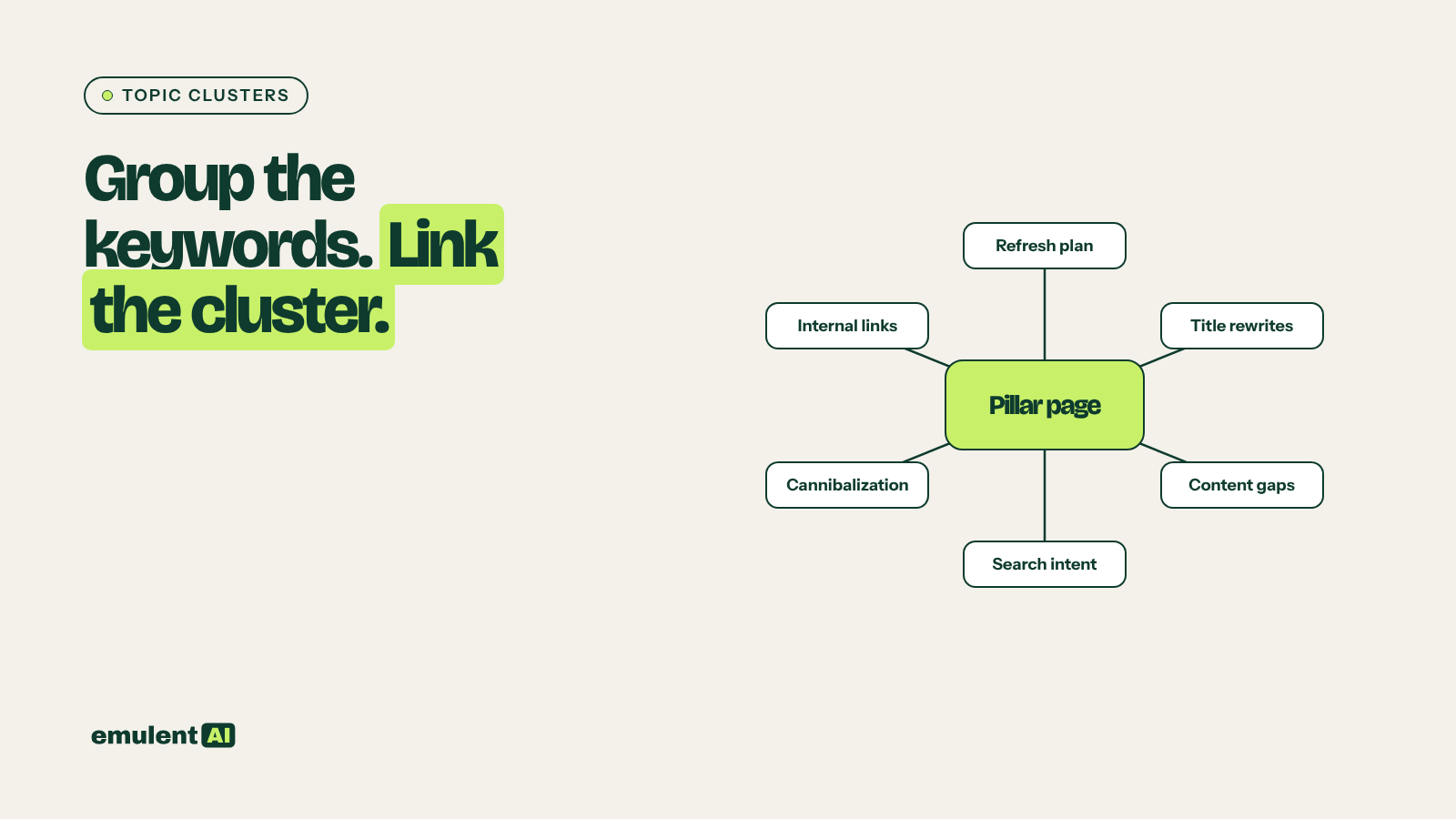
A topic cluster is a pillar page on a broad subject linked to and from a set of articles that each cover one subtopic in depth. Clusters help visitors find related content, help Google understand which page is the main resource on a subject, and pass link value from strong pages to newer ones. Building them by hand means sorting thousands of keywords and auditing every internal link. AI handles the sorting; a Screaming Frog crawl shows what links exist today.
What you need
- Semrush, for a keyword list on your subject area (Keyword Magic Tool or Organic Research exports)
- Google Search Console queries, so the clusters include terms you already rank for
- Screaming Frog, to crawl the site and export internal links
- An AI assistant that reads CSV files, such as Claude
Step 1: Build the keyword list
Start with 5 to 10 seed terms that describe what you sell or teach. Pull related keywords for each from Semrush Keyword Magic Tool, plus your own Search Console queries, plus any topics found in a content gap analysis. Remove branded competitor terms and anything off-topic. Most sites end up with 500 to 5,000 keywords.
Step 2: Have the AI group keywords into clusters
Attached is a keyword list with volume, difficulty and intent.
1. Group keywords that a single page could rank for together. Two keywords
   belong on the same page if a searcher would be happy with the same answer
   for both.
2. Then group those page-level groups into clusters around broader topics.
3. For each cluster, propose one pillar topic (broad, higher volume) and list
   the supporting article topics under it.
4. For each page-level group, give: proposed page topic, main keyword, all
   keywords, total volume, dominant intent.
Output two CSVs: page-level groups, and the cluster structure.
AI grouping is based on meaning, which is a good start but not always how Google groups results. For the main keywords in each cluster, spot-check the search results: if two keywords show mostly the same top 10 URLs, they belong on one page; if the results are very different, they need separate pages. Semrush’s Keyword Strategy Builder groups keywords by shared results and can serve as a cross-check.
Step 3: Match the clusters to your existing pages
Attached are the cluster structure, our URL list with titles and H1s, and our
Search Console query-to-page data.
For each proposed page topic:
1. If one of our existing URLs already ranks for its main keyword or clearly
   covers it, assign that URL.
2. If two or more URLs cover it, flag as possible cannibalization.
3. If none covers it, mark as GAP.
Also list existing URLs that fit no cluster.
Output CSV: cluster, role (pillar or supporting), topic, main keyword, assigned
URL or GAP, flags.
Any cannibalization flags should be resolved before you build links, since linking two competing pages as if they had separate jobs makes the overlap worse. Our guide to keyword cannibalization covers how to decide which page keeps the topic.
Step 4: Crawl the existing links
Crawl the site in Screaming Frog and use Bulk Export > Links > All Inlinks to export every internal link with source, destination, anchor text and link position (content, navigation, footer). Filter out navigation and footer links; they appear on every page and tell you little about cluster structure.
Step 5: Build the linking plan
The rules for a cluster are simple:
- The pillar links to every supporting article in the cluster.
- Every supporting article links back to the pillar.
- Supporting articles link to two or three closely related articles in the same cluster.
- Links between clusters happen only where one topic genuinely leads to another.
Using the cluster assignments and the internal links export (content links
only), produce a linking plan:
1. For every link the rules above require, check whether it exists.
2. List missing links as: source URL, target URL, suggested anchor text, and
   the sentence or section in the source page where the link fits best.
3. List orphan pages in any cluster (fewer than 2 content links in).
4. List links that point to redirects or 404s.
Anchors should describe the target page in natural words and vary across the
site; do not repeat the same exact-match anchor more than twice for one target.
Group missing links by source page.
Grouping by source page lets an editor open one page and add all its links in one sitting.
Step 6: Add the links and publish the gaps
Add links inside the body text where they help the reader, not in a list at the bottom of the page. For pillar pages, a short summary of each subtopic with a link (like the pillar page this article belongs to) works well. Then schedule the GAP topics as new articles, each published with its links already in place.
Step 7: Re-crawl quarterly
New posts, deleted pages and redesigns break cluster links over time. Re-crawl every quarter, rerun step 5, and check that every new post was added to a cluster with links in both directions.
Put this to work with Bill.
Send Bill your exports and tell him what you are trying to fix. He’ll tell you which of these workflows to run first.
Contact Bill directly
Or call 773-791-3197