This guide is part of our series on AI content strategy.
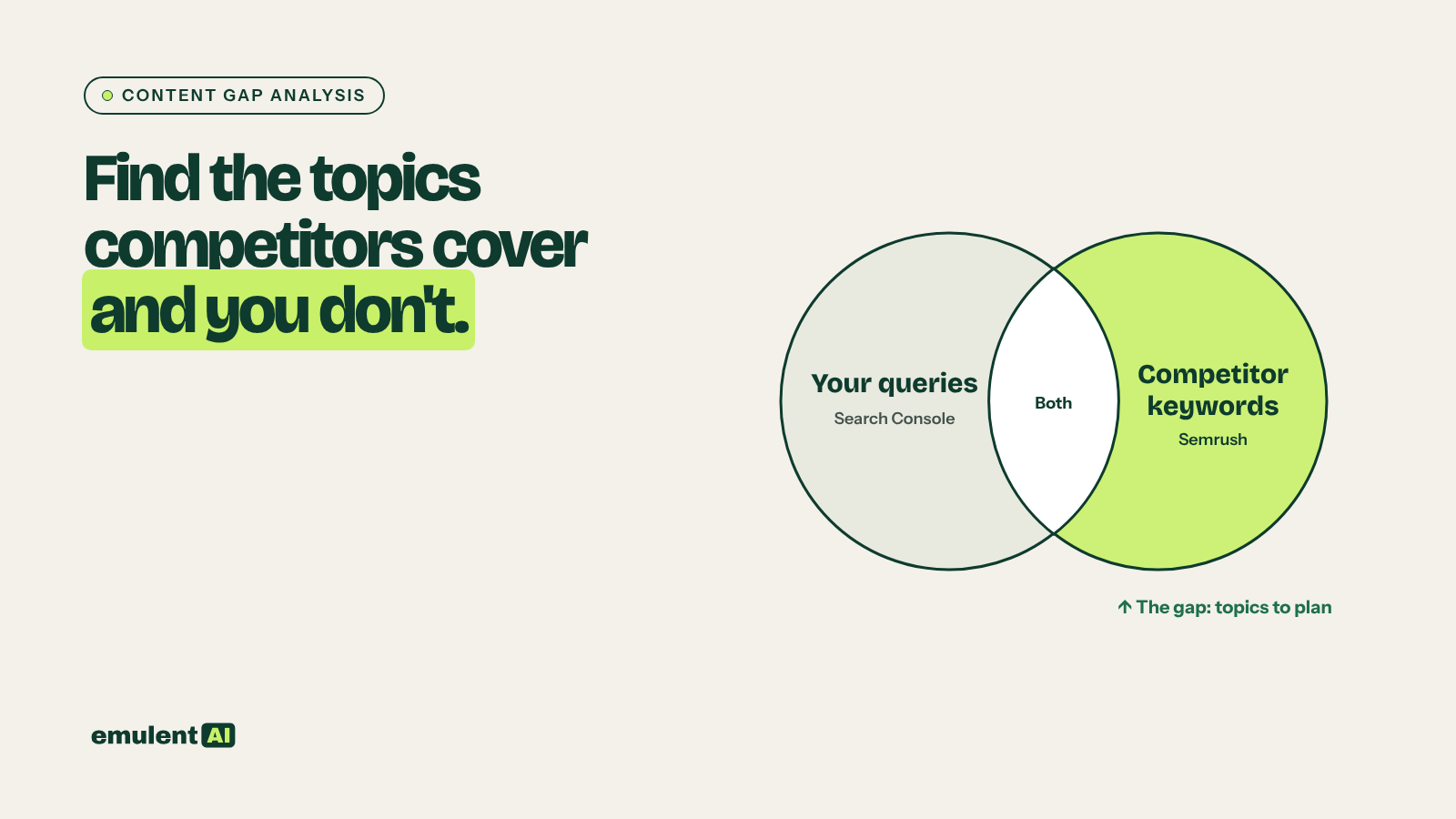
A content gap analysis finds the topics your competitors rank for that your site does not cover. Semrush’s Keyword Gap tool shows keywords competitors have and you lack, but it only sees what Semrush tracks. Search Console shows every query you actually get impressions for, including long-tail terms no third-party tool sees. Comparing the two gives a cleaner list, and AI turns thousands of leftover keywords into a handful of topics with outlines.
What you need
- Semrush, for Organic Research or Keyword Gap exports of two to five competitors
- Google Search Console, with at least 3 months of query data (12 months is better)
- A list of your site’s existing URLs with titles, from Screaming Frog or your sitemap
- An AI assistant that reads CSV files, such as Claude
- Two or three sentences describing what you sell and who buys it
Step 1: Pick the right competitors
Use the sites that rank for your main terms as well as the businesses you compete with for sales. In Semrush, Organic Research > Competitors lists domains with the most keyword overlap. Drop giant generalist sites such as Wikipedia, Amazon or news outlets; they rank for everything and will flood the analysis.
Step 2: Export the data
- From Semrush Keyword Gap, enter your domain and the competitors, choose “Missing” (keywords all competitors rank for and you do not) and “Weak” (keywords where you rank below them). Export both with volume, difficulty, intent and each domain’s position.
- From Search Console, export queries with clicks, impressions and average position for the last 12 months. Use the API or a connector if you have more than 1,000 queries.
- Export your URL list with titles and H1s.
Step 3: Have the AI remove what you already cover
Attached are: (1) Semrush Missing and Weak keyword exports for our domain against
4 competitors, (2) our Search Console queries for the last 12 months, and (3) our
URL list with titles and H1s.
1. Remove any Semrush keyword that appears in our Search Console queries with an
   average position of 20 or better. Those are not gaps.
2. Remove any keyword that clearly matches the main topic of one of our existing
   URLs. List these separately as "covered but underperforming".
3. For what remains, keep columns: keyword, volume, difficulty, intent, and the
   best competitor position.
Output two CSVs: true gaps, and covered but underperforming.
Work only from the attached files.
The “covered but underperforming” list is often worth more than the gaps. Those are pages that exist but are not ranking, which usually means they need an update, not a new page.
Step 4: Filter for fit and group into topics
Here is what our business does and who we serve: [your 2-3 sentences].
Using the true gaps CSV:
1. Remove keywords that do not fit our business or audience. List removed
   keywords and the reason in a separate table.
2. Group the remaining keywords into topics, where one topic = one page that
   could rank for all of them. Name each topic in plain words.
3. For each topic, give total volume, average difficulty, dominant intent and
   the competitor URL that ranks best.
4. Score each topic 1 to 5 on opportunity: volume, difficulty, fit with what we
   sell, and whether the intent leads toward a purchase. Show the reasoning.
Sort by score.
Check the removed list. The AI sometimes drops topics that look unrelated but matter to your buyers.
Step 5: Check the live results for the top topics
For your top 10 topics, search the main keyword and look at what ranks. Note the page types (guides, product pages, tools, videos), how detailed they are, and whether an AI Overview answers the question outright. If the top results are all product category pages and you were planning a blog post, the topic needs a different page type, which our guide to search intent matching covers in detail.
Step 6: Draft outlines
Save the text of the top three ranking pages for a topic and give them to the AI with the keyword group:
Here is the keyword group for the topic "[topic]" and the text of the 3 pages
ranking top 3 for its main keyword. Write an outline for our page:
- H1 and a one-sentence statement of what the reader will be able to do after
  reading
- H2 and H3 headings covering every subtopic the 3 pages share
- Subtopics or questions in the keyword group that none of the 3 pages answer
- Where we can add something they lack: original data, examples from our own
  work, a tool, a comparison table
- Which of our existing pages should link to this one and which it should link to
Do not copy headings word for word from the competitor pages.
The line about adding something the competitors lack keeps the new page from being a rewrite of what already ranks. That added material is usually what earns the ranking.
Step 7: Add the topics to your plan
Put each approved topic in your content calendar with its outline, target keyword group and internal links. Before you publish, decide where each new page sits in a topic cluster, since a new article ranks faster when the pillar and related articles link to it. Our guide to topic clusters and internal linking maps walks through that step.
Common mistakes
- Treating every missing keyword as a page. Many keywords belong together on one page.
- Chasing competitor topics that do not lead to your product or service.
- Skipping the live results check and writing a blog post for a query Google answers with product pages.
- Publishing outlines as articles without adding original material.
Rerun the analysis every quarter. Competitors publish, search results change, and your own new pages remove some gaps and reveal others.
Put this to work with Bill.
Send Bill your exports and tell him what you are trying to fix. He’ll tell you which of these workflows to run first.
Contact Bill directly
Or call 773-791-3197