This guide is part of our series on AI for SEO reporting and analytics.
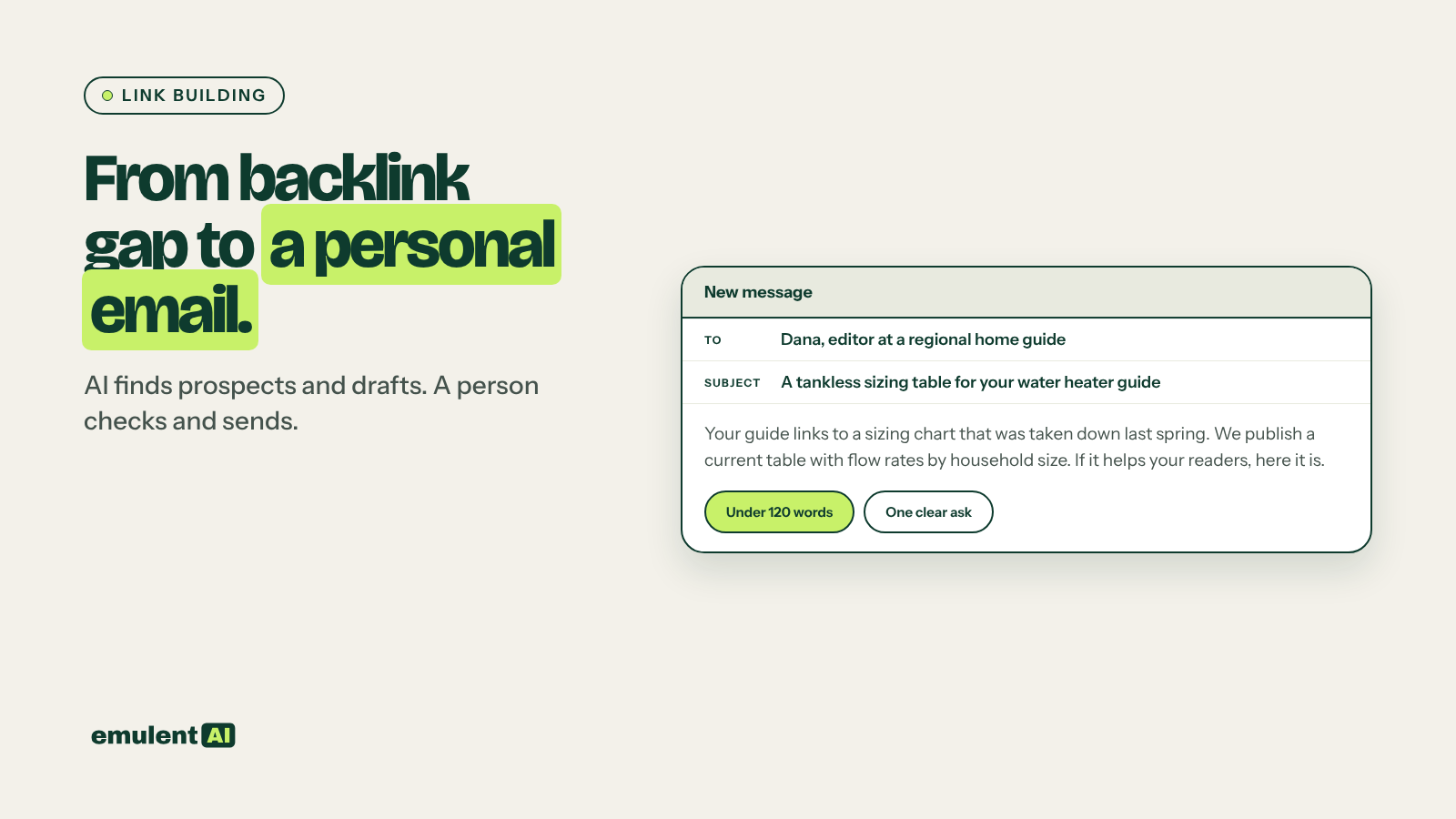
The sites that already link to your competitors are the best place to look for links of your own. They have shown they link to businesses like yours. Semrush’s Backlink Gap tool lists them, but the raw list is mostly noise: directories, scraper sites, links that were paid for. AI can sort the list down to real prospects, work out why each one linked to a competitor, and draft an outreach email that refers to something specific on each site.
What you need
- Semrush Backlink Gap and Backlink Analytics
- Your domain and three to five competitor domains
- A short list of the assets you can offer: guides, original data, tools, expert quotes, local sponsorships, case studies
- An AI assistant that reads CSV files, such as Claude
- An email account and a simple tracker (a spreadsheet is fine)
Step 1: Run the backlink gap
In Semrush, open Backlink Gap, enter your domain and the competitors, and choose the view showing referring domains that link to competitors but not to you. Export the list with each domain’s Authority Score and which competitors it links to. Domains linking to two or more competitors are the strongest signal: they link to the topic, not to one business.
Step 2: See how each competitor earned the link
For the top 100 domains by Authority Score and competitor overlap, use Backlink Analytics on each competitor to export the specific linking page, the target page, anchor text and link attributes (follow, nofollow, sponsored, UGC). Knowing which competitor page earned the link tells you what kind of content the site links to.
Step 3: Have the AI qualify the prospects
Attached are (1) Backlink Gap referring domains with Authority Score and
competitor overlap, and (2) Backlink Analytics exports showing the linking page,
target page, anchor and link attributes for each competitor.
Here is what we do and who we serve: [2-3 sentences].
1. For each domain, classify the link type: editorial mention, resource or
   links page, guest post, directory, local or industry association, event or
   sponsorship, forum or comment, press release, paid or sponsored, scraper or
   spam.
2. Remove scraper, spam and paid links, and any site unrelated to our topic or
   audience.
3. For the rest, explain in one line why the site linked to the competitor
   (what the competitor page offered).
4. Suggest which of our assets (list attached) fits that reason, or note that
   we have nothing suitable.
5. Score each prospect 1 to 5 on relevance, link type and likelihood of a
   reply. Show reasoning.
Output CSV sorted by score.
Prune hard. Google’s spam policies treat buying links, large-scale link exchanges and low-quality directory links as link spam, so drop those prospects instead of pursuing them.
The “nothing suitable” notes are useful too. If many prospects link to competitor guides or data you do not have, that is a content opportunity; our guide to content gap analysis shows how to plan pages like that.
Step 4: Check the top prospects by hand
Visit the top 30 prospect sites. Confirm the linking page is live, the site has real readers (Semrush Domain Overview shows estimated organic traffic), and it is the kind of site you want to be associated with. Find the right person to contact from the site itself: an editor, a page author, or a named contact for resource suggestions.
Step 5: Draft personal outreach
Give the AI the prospect’s linking page text and your matching asset:
Write a short outreach email (under 120 words) to [name] at [site].
Context: their page "[title]" ([URL]) links to [competitor page] for [reason].
Our asset: [title, URL, one line on what it offers].
Rules:
- Open with something specific about their page, not a compliment template.
- Say plainly what we are suggesting and why it helps their readers.
- No flattery, no fake familiarity, no claims we cannot back up.
- One clear ask. No attachments.
- Plain subject line that says what the email is about.
Write two versions: one suggesting our page as an additional resource, and one
offering something else useful (a quote, data, a correction) with no link ask.
Read and edit every draft before sending. Make sure the details about their page are correct, since a wrong detail is worse than no detail. Send from a real person who will answer replies, follow email rules such as CAN-SPAM in the US and GDPR for people in the EU, and stop contacting anyone who asks you to.
Step 6: Track and follow up
Keep a tracker with prospect, contact, date sent, follow-up date, reply and result. Send one polite follow-up after about a week; most replies come from the first email or the follow-up, and further reminders mostly annoy people. Each month, ask the AI to summarize response and link rates by link type and asset, so you spend more time on what works.
Step 7: Report the results
Links earned, the pages they point to, and any ranking changes for those pages belong in the monthly client report. Rerun the backlink gap quarterly, since competitors keep earning links and new prospects appear.
Put this to work with Bill.
Send Bill your exports and tell him what you are trying to fix. He’ll tell you which of these workflows to run first.
Contact Bill directly
Or call 773-791-3197