SEO reporting tools are good at charts and bad at explanations. A dashboard can show that organic sessions fell 12 percent last month. It cannot say whether that was a Google update, a broken tracking tag, a seasonal dip or the loss of one high-traffic page, and it cannot tell the client what happens next. That explanation is where most reporting time goes, and it is the part AI can draft well, as long as it has the right data.
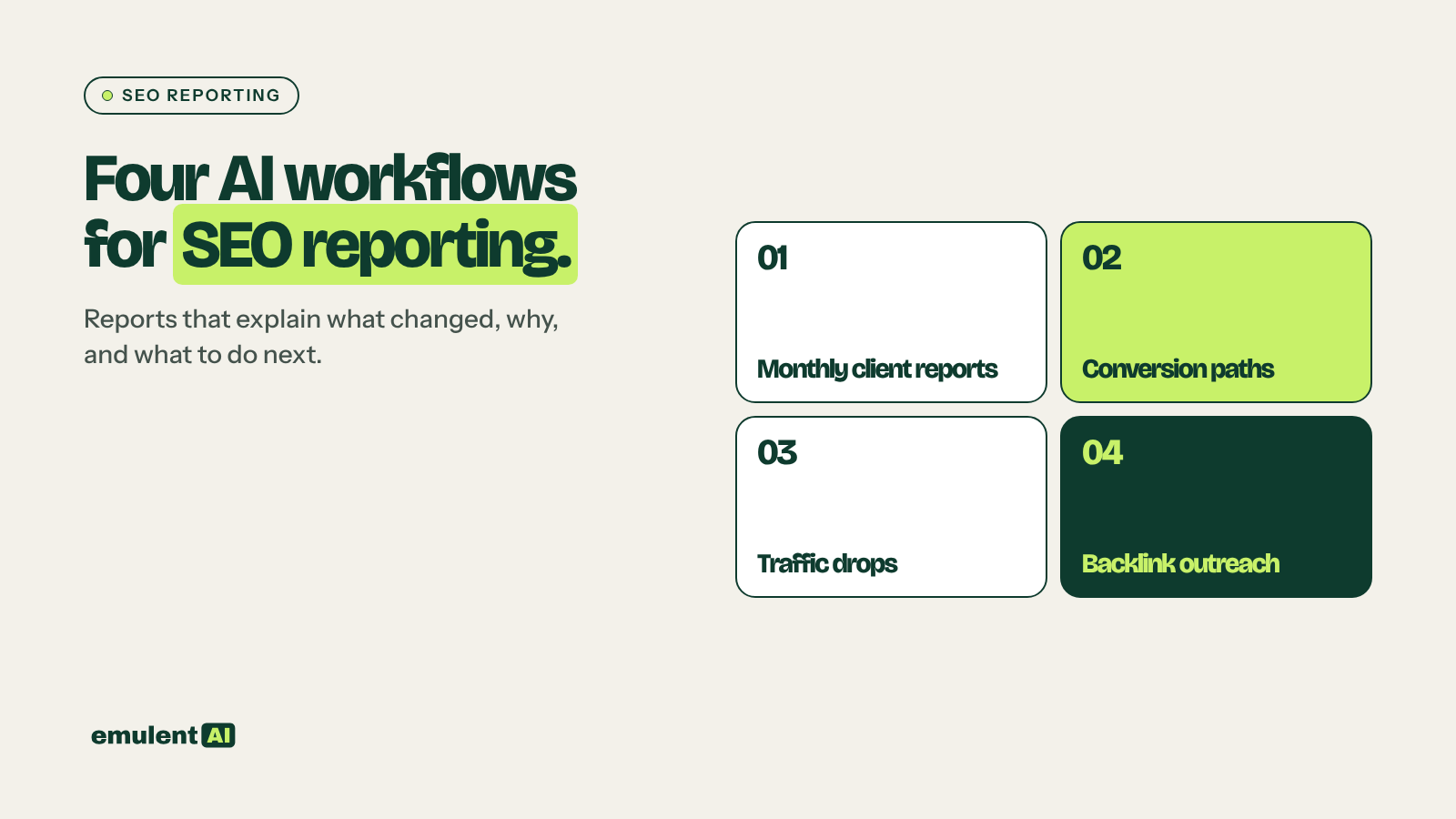
This page covers four workflows that use exports from GA4, Google Search Console, Semrush and Google Business Profile. Each has its own guide with the exports to pull and the prompts to use.
- Monthly client reports: turn four data sources into a report that explains what changed, why, and what to do next
- Conversion path analysis: find which pages bring leads or sales and which get traffic but do not convert
- Traffic drop investigation: narrow a drop down to its likely cause
- Backlink and outreach planning: find and qualify link prospects and draft personal outreach
What AI does well with analytics data
AI is useful for analytics in three ways:
- Joining data that lives in separate tools, such as GA4 sessions, Search Console clicks and Semrush rankings for the same page
- Comparing periods and segments across hundreds of pages, then pointing out the few changes that account for most of the movement
- Writing the explanation in plain words for a specific reader, whether a business owner, a marketing manager or a developer
It has two weaknesses to plan around. It can make arithmetic mistakes on large tables, so ask it to show its calculations or run them in code, and spot-check the key numbers. It will also offer confident explanations for changes that have none. Every claim of cause in a report should point to evidence in the data.
The data sources
| Source | What it tells you |
|---|---|
| GA4 | Sessions, engagement and key events by landing page and channel |
| Google Search Console | Clicks, impressions, CTR and position by page and query |
| Semrush Position Tracking | Daily rankings for your tracked keywords, with competitor positions and visibility trend |
| Semrush Backlink Analytics and Backlink Gap | Who links to you and to competitors |
| Google Business Profile performance | Calls, website clicks, direction requests and views for each location |
GA4 renamed “conversions” to “key events” in 2024. The guides use the current name.
Prompt habits for analytics
- Give the AI the date ranges and comparison periods explicitly.
- Tell it to label every cause it suggests as confirmed, likely or possible, with the data behind it.
- Ask for tables first and narrative second, so you can check the numbers before the story.
1. Monthly client reports
The AI takes this month’s and last year’s exports from GA4, Search Console, Semrush Position Tracking and GBP, calculates the changes, and drafts a report built around three questions: what changed, why it changed, and what to do next. The guide includes a report template, a prompt that ties every explanation to the data, and a checklist for reviewing the draft before it goes to the client. Most of the time saved comes from not writing the same summary paragraphs from scratch every month.
Full guide with prompts: How to use AI to write monthly SEO client reports
2. Conversion path analysis
Traffic is only useful if it leads somewhere. GA4 landing page data with key events shows which pages bring leads or sales and which bring visitors who leave. The AI sorts pages into four groups (high traffic and converting, high traffic and not converting, low traffic and converting, and neither) and suggests what to do with each. The high-traffic, non-converting group is usually where the quickest gains are, since those pages already have the visitors.
Full guide with prompts: How to use AI for conversion path analysis
3. Traffic drop investigation
When traffic falls, people tend to guess at a cause, often an algorithm update, and act on the guess. A structured investigation checks the possible causes in order: tracking problems, seasonality, lost rankings, search results changes and algorithm updates. The AI compares GA4, Search Console and Semrush data to rule causes in or out, and the guide includes a timeline method for lining up the drop against site changes and confirmed Google updates.
Full guide with prompts: How to investigate a traffic drop with AI
4. Backlink and outreach planning
Semrush Backlink Gap lists sites that link to your competitors and not to you. Most of that list is useless: directories, scraper sites, links from irrelevant pages. The AI qualifies prospects by relevance, link type and how the competitor earned the link, then drafts outreach emails that refer to something specific on each site. A person reviews and sends every email.
Full guide with prompts: How to use AI for backlink gap analysis and outreach
A monthly rhythm
- In the first week of the month, export the data and draft client reports.
- In the same pass, run the conversion analysis on the top 50 landing pages.
- Whenever a report shows a drop of more than 15 to 20 percent in organic clicks or key events, run the traffic drop investigation before writing the report’s explanation.
- Plan outreach quarterly, with follow-ups tracked monthly.
Frequently asked questions
Can AI connect to GA4 and Search Console directly?
Some AI tools and reporting platforms connect through the official APIs or through data connectors. The workflows here use exported files, which works with any assistant that reads CSVs and keeps you in control of what data you share.
Should clients know their report was drafted with AI?
That is a business decision, but the more important point is that a person who knows the account reviews every report. Clients pay for judgment about their business, and an unreviewed AI report can state causes that are wrong.
How accurate is AI with numbers?
Good at describing and comparing, less reliable at long chains of arithmetic on big tables. Ask it to show its working, use an assistant that can run code for calculations, and check the headline numbers against the source tools.
Is AI-written outreach spam?
Outreach becomes spam when it is untargeted and sent in bulk. AI makes it easier to personalize each email, but each one should go to a relevant site, refer to something real, and be sent by a person who can answer the reply.
Put this to work with Bill.
Send Bill your exports and tell him what you are trying to fix. He’ll tell you which of these workflows to run first.
Contact Bill directly
Or call 773-791-3197