This guide is part of our series on AI content strategy.
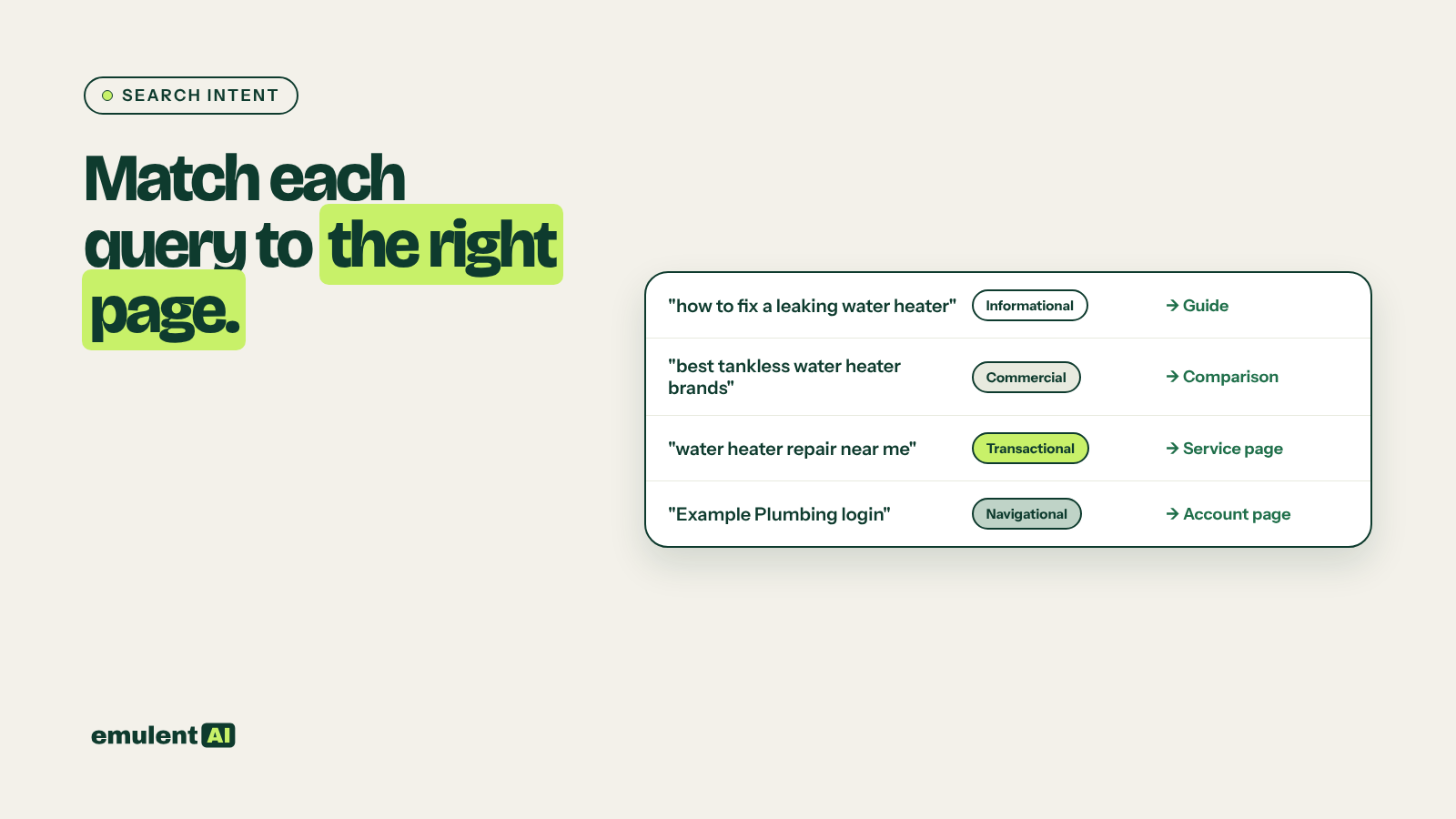
Search intent is what the searcher is trying to do: learn something, compare options, buy, find a business nearby, or reach a specific site. A page can be well written and still rank poorly if it serves a different intent than the query. A service page will struggle for “how to fix a leaking faucet,” and a how-to post will struggle for “plumber near me.” AI can classify thousands of queries by intent and flag where your ranking page does not fit.
What you need
- Google Search Console query and page data for the last 3 months
- A list of your URLs with titles, H1s and page type (blog post, service page, product page, category page, location page)
- Semrush intent data, optionally, as a cross-check
- An AI assistant that reads CSV files, such as Claude
The intent types
| Intent | The searcher wants to | Example | Page type that usually fits |
|---|---|---|---|
| Informational | Learn or solve a problem | how to clean gutters | Guide, how-to, explainer |
| Commercial | Compare options before buying | best gutter guards 2026 | Comparison, list, review |
| Transactional | Buy or book now | gutter guard installation cost | Service or product page with pricing |
| Local | Find a business nearby | gutter cleaning near me | Location page, Google Business Profile |
| Navigational | Reach a specific site or page | [brand] login | The page they named |
Many queries mix intents. “Gutter guard cost” can mean someone researching or someone ready to book. That is why the final check always happens on the live results page.
Step 1: Label your pages by type
Add a page type column to your URL list. Screaming Frog exports plus your URL structure usually make this quick: /blog/ for posts, /services/ for service pages and so on. Ask the AI to fill in the rest from titles and H1s, and review its labels.
Step 2: Classify the queries
Attached are Search Console queries with their ranking page, clicks, impressions,
CTR and position, plus our URL list with page type.
1. Classify each query's intent as informational, commercial, transactional,
   local or navigational. If it is mixed, give the primary and secondary intent.
2. Give a confidence level (high, medium, low) and a one-line reason.
3. Map each intent to the page types that usually fit (informational = guide;
   commercial = comparison or list; transactional = service or product page;
   local = location page; navigational = the named page).
4. Flag a mismatch where the ranking page's type does not fit the query's
   primary intent.
5. For each mismatch, include impressions, CTR and position.
Sort mismatches by impressions. Output CSV.
If you have Semrush intent data for the same keywords, ask the AI to note where its classification differs from Semrush’s. Those disagreements are the queries most worth checking by hand.
Step 3: Confirm mismatches on the live results
For the top 20 mismatches, search each query and look at what Google ranks. Note the dominant page type in the top 5, whether there is a map pack, shopping results, video results or an AI Overview, and what kind of answer the top results give. You can paste the top results into the AI and ask it to describe the dominant intent.
Google’s results are the final word on intent. If the AI labeled a query transactional but the top results are all guides, Google has learned that people searching it want guides.
Step 4: Decide the fix
| What you find | Fix |
|---|---|
| Your service page ranks for an informational query | Write a guide for the query and link from it to the service page; or add a clear how-it-works section if the query is close to the service |
| Your blog post ranks for a transactional query | Point internal links for that term to the service or product page; add a clear call to action and a link from the post |
| Your page ranks for a local query but is not a location page | Build or improve the location page and make sure your Google Business Profile links to it |
| Mixed intent and the page tries to serve both | Restructure the page so the primary intent is answered first, with the secondary intent in a later section |
| Query intent changed over time | Refresh the page to match what ranks now |
When the fix means creating a new page for an intent you do not serve, check first that you will not create two pages fighting for the same query. Our guide to keyword cannibalization explains how to keep the two pages separate.
Step 5: Rewrite with the intent in mind
For pages you are changing, give the AI the query group, the confirmed intent and the top 3 ranking pages:
The confirmed intent for these queries is [intent]. Our page is a [page type].
Attached are our page and the top 3 results.
1. What does a searcher with this intent need to see first?
2. What on our page gets in the way (long introductions, sales copy before the
   answer, missing prices, no comparison)?
3. Suggest a new structure: headings in order, what goes above the fold, and
   where the call to action belongs.
Step 6: Use intent in planning new content
Classifying intent also helps before a page is written. Add an intent column to every keyword in your content gap analysis and content calendar, and decide the page type before anyone writes. Running the mismatch check quarterly catches pages that drifted as Google’s understanding of a query changed.
Put this to work with Bill.
Send Bill your exports and tell him what you are trying to fix. He’ll tell you which of these workflows to run first.
Contact Bill directly
Or call 773-791-3197