This guide is part of our series on AI content strategy.
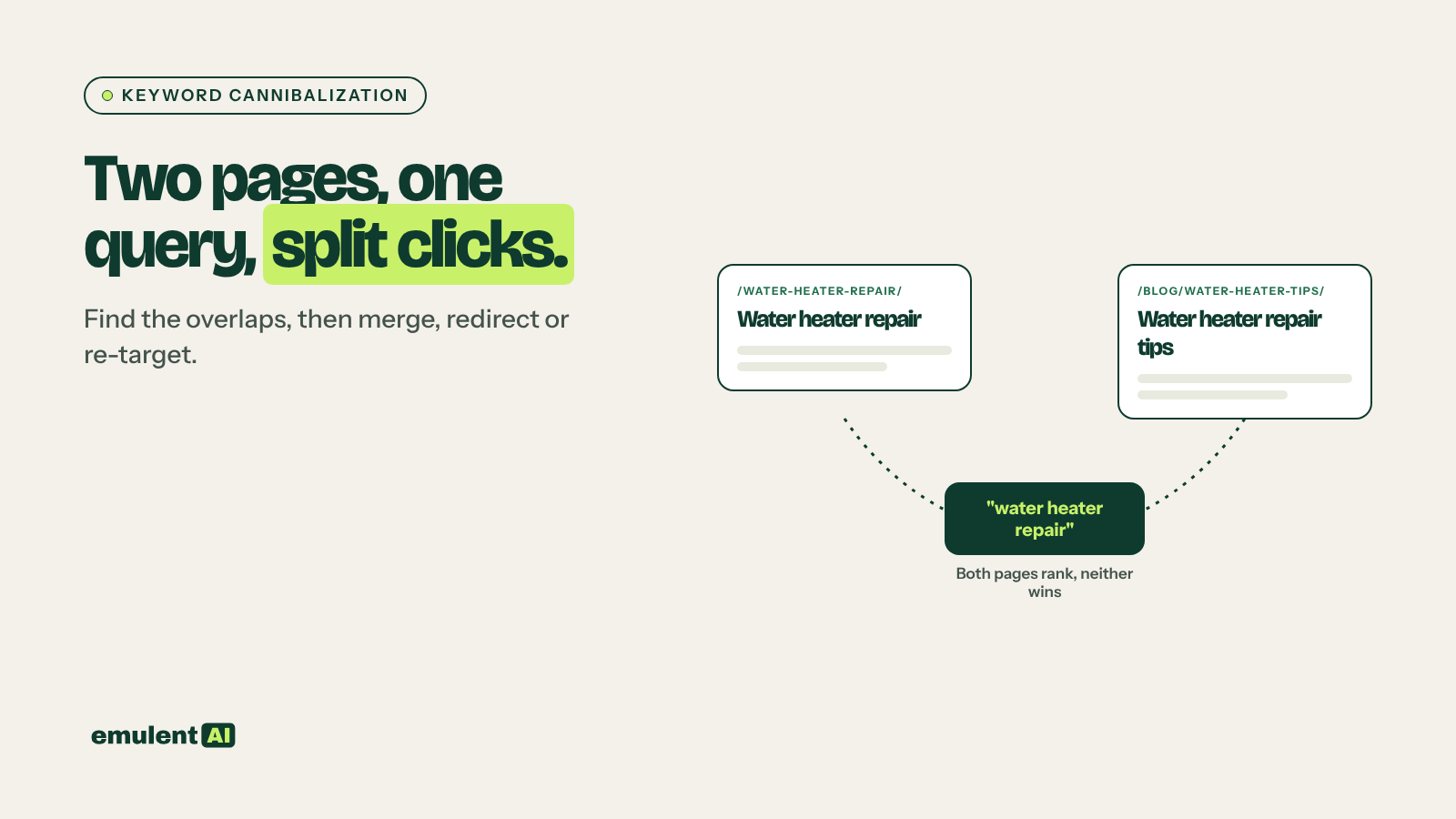
Keyword cannibalization happens when two or more pages on your site compete for the same search query. Google switches between them from week to week, links and engagement are split across both, and neither ranks as well as one strong page would. Not every overlap is a problem, though. A product page and a guide can both rank for a term without hurting each other. AI is good at working through thousands of query and page pairs to separate the real cases from the harmless ones.
What you need
- Google Search Console query and page data for the last 3 to 6 months
- A list of your URLs with titles, H1s and word counts, from Screaming Frog
- An AI assistant that reads CSV files, such as Claude
- Optional: Semrush Position Tracking history, which shows ranking URL changes day by day
Step 1: Export query and page data together
You need every combination of query and page, with clicks, impressions and average position for each. The Search Console interface cannot export this combined view at scale, so use the API, a Looker Studio table with query and landing page dimensions, or a tool that pulls it for you. Keep at least 3 months so short-term switching shows up.
Step 2: Have the AI find overlaps
Attached is Search Console data with columns: query, page, clicks, impressions,
average position, for the last 6 months.
1. Find every query where 2 or more of our pages each have at least 10% of the
   query's total impressions.
2. Ignore branded queries containing: [brand terms].
3. For each query, list the competing pages with their clicks, impressions,
   position and share of impressions.
4. Group queries that share the same set of competing pages into one case.
5. Rank cases by total impressions.
Output CSV: case_id, queries, pages, metrics.
Grouping is the step that makes the list workable. Instead of 400 overlapping queries, you usually end up with 20 to 40 page pairs to review.
Step 3: Separate real cannibalization from harmless overlap
Give the AI the cases plus the titles and H1s of each page:
For each case, using the page titles, H1s and URLs, classify it as:
- Real cannibalization: pages target the same intent and topic; neither ranks
  in the top 3; or the ranking page switches between them
- Different intent: one page serves informational searches and one serves
  commercial or transactional searches (for example a guide and a product page)
- Parent and child: a broad page and a specific page where the specific page
  rightly ranks for the specific query
- Low value: total impressions too small to justify action
Give the reasoning for each classification.
If you are unsure whether two pages serve different intents, search the query and look at what Google ranks. Our guide to search intent matching explains how to read the results page for this.
Step 4: Pick a fix for each real case
Ask the AI to recommend a fix, then decide yourself:
| Situation | Fix |
|---|---|
| Two pages cover the same topic and one is clearly stronger | Merge the useful content into the stronger page and 301 redirect the weaker one to it |
| Two pages cover the same topic and both have links and traffic | Combine them into one new, better page on the stronger URL; redirect the other |
| Pages cover related but different subtopics | Re-target the weaker page: change its title, H1 and focus to its own subtopic, and link it to the main page |
| Near-duplicate pages that must both exist (for example print versions or filtered views) | Add a canonical tag pointing to the main version |
| Old post ranking above the newer, better page | Update internal links to point at the newer page and consider merging |
For each real cannibalization case, recommend one fix from: merge and redirect,
combine into new page, re-target, canonical, internal link change. Name which
URL should be the main page, using clicks, links in, and how well each page
matches the shared queries. List what content from the other page is worth
keeping.
Step 5: Carry out the fixes carefully
- When merging, move over sections that answer queries the main page lacks. Do not paste the whole old page underneath.
- Use 301 redirects for removed URLs, and update internal links so they point straight to the main page instead of through the redirect.
- Update your XML sitemap to remove redirected URLs.
- For re-targeted pages, change the title, H1 and opening paragraph so the difference is obvious, and add a link to the main page.
Afterward, the site structure often needs a rethink. Clear topic clusters, where each subtopic has one page and every page has a defined job, are the best protection against new overlaps. See our guide to topic clusters and internal linking maps.
Step 6: Check results and repeat
After 4 to 6 weeks, rerun step 2 for the fixed queries. The main page should now hold most of the impressions, with a steadier and usually better position. Run the full check quarterly, and before publishing any new post, search your own site for the target keyword to make sure you are not creating the next overlap.
Put this to work with Bill.
Send Bill your exports and tell him what you are trying to fix. He’ll tell you which of these workflows to run first.
Contact Bill directly
Or call 773-791-3197