AI can do most of the slow, repetitive work in local SEO: sorting 500 keyword and town combinations, comparing your location pages with the three that outrank them, writing schema for 40 locations, finding every orphan page on the site, and spotting which pages lost calls last quarter. What it cannot do is know the facts about a business. It does not know which towns your crews drive to, what your Saturday hours are, or which jobs you finished in Knightdale last month.
So the method on this page is the same in every workflow. You give the AI real data from your own tools. It sorts, compares and drafts. A person checks the output against the business before anything goes live. Businesses that skip the last step end up with wrong hours in their schema, location pages for towns they do not serve, and hundreds of near-identical pages that Google’s spam policies treat as doorways.
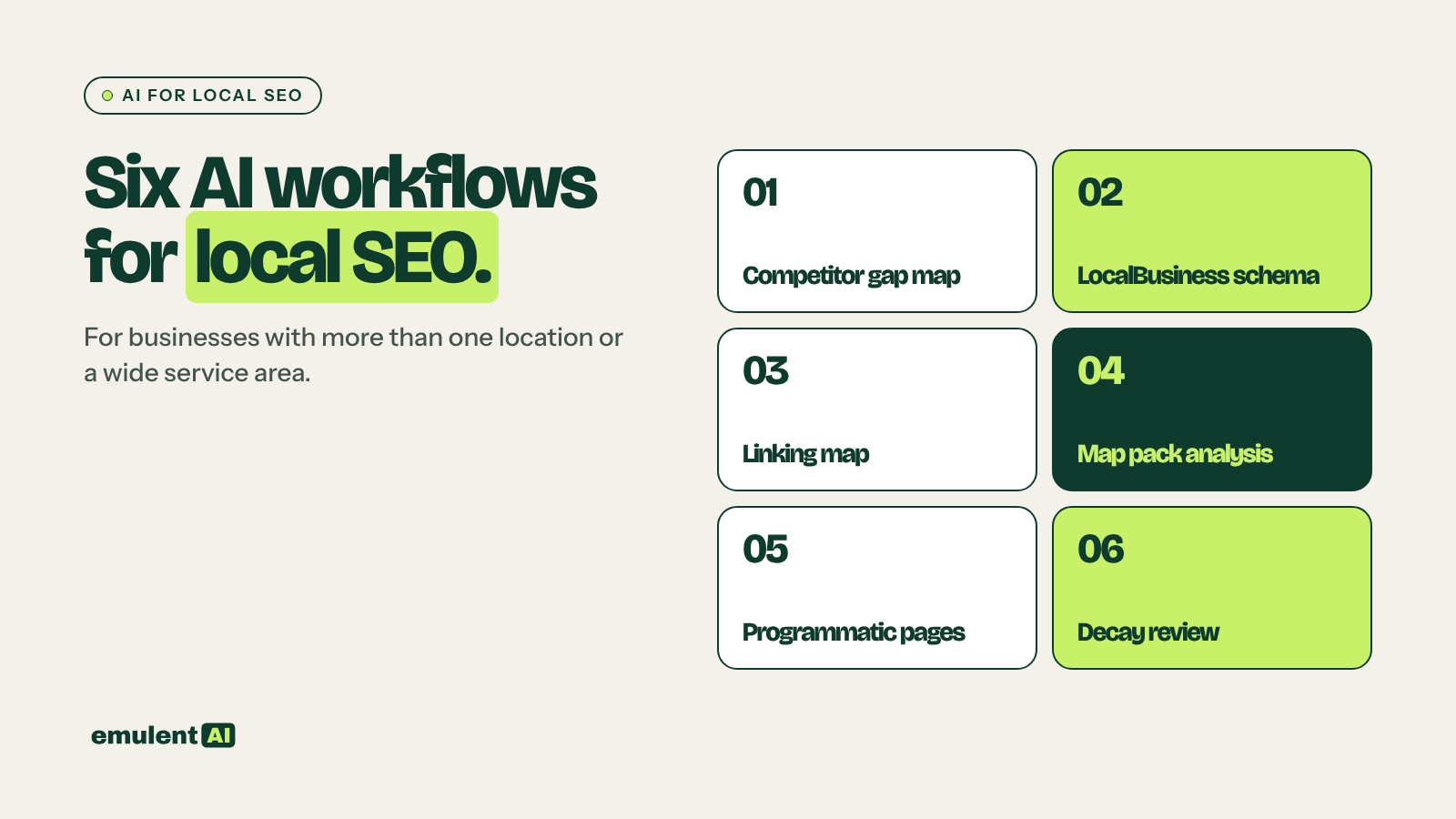
The six workflows below cover the full cycle: finding opportunities, making pages readable to Google, competing in the map pack, scaling what works, and catching decline. Each one has its own step-by-step guide with prompts you can copy.
- Local competitor gap mapping: find the service and town combinations where competitors rank and you do not
- LocalBusiness schema for each location: generate and validate structured data for every location
- Location and service linking map: plan every internal link between location, service and town pages
- Map pack and local SERP analysis: find out why other businesses beat you in the Google map pack
- Programmatic local pages, done carefully: build service-in-town pages at scale without doorway risk
- Local performance decay: catch slow declines in clicks, rankings and calls, and fix them by cause
Who this is for
This guide is written for businesses with more than one location or a service area covering several towns: home services, healthcare practices, law firms, restaurant groups, franchises, and the agencies that run SEO for them. A single-location business can use most of it too. The competitor gap, map pack and decay workflows work the same way at one location.
What AI does well in local SEO, and where it fails
AI is good at work that involves reading and sorting large amounts of structured data:
- Expanding a list of 15 services and 12 towns into every way people search for them
- Clustering ranking exports into a services-by-towns grid and scoring each gap
- Comparing your page side by side with competitor pages and listing what yours lacks
- Turning a spreadsheet of location details into valid JSON-LD
- Reading a crawl export and finding missing internal links
- Comparing two quarters of Search Console data across hundreds of pages
It fails in predictable ways. It will invent an address, a review count or an opening time if the data has a gap and you have not told it to stop. It will write five location pages that say the same thing in slightly different words. It will suggest schema types that sound right but are not on schema.org. Every workflow below includes the check that catches these mistakes.
Set up before you start
Build one master location sheet
Every workflow pulls from a single spreadsheet with one row per location. Copy each value from the live Google Business Profile, not from memory:
- Location name exactly as it appears on the GBP
- Street address, suite, city, state and ZIP
- Local phone number
- Latitude and longitude, to at least 5 decimal places
- Opening hours for each day, plus holiday closures
- GBP URL and primary and secondary categories
- Services offered at that location
- Towns and neighborhoods served
- Location page URL
- Facts unique to that location: staff, year opened, parking, languages spoken, recent projects
The last column is what keeps AI-written location content from reading like 40 copies of one page. If a location has nothing in it, get something before you build that page.
Prompt habits that prevent bad output
- Upload the data file and tell the AI to work only from it. Add: “If a fact is not in the file, write MISSING and keep going.” That line stops most invented details.
- Ask for output in the format you will paste somewhere: CSV, JSON-LD or HTML.
- Ask for the reasoning in a separate column, so you can see why it scored a gap as high priority and disagree with it.
The tools
| Tool | Used for |
|---|---|
| Claude or another AI assistant that accepts file uploads | Sorting data, comparing pages, drafting schema, briefs and copy |
| Semrush | Keyword volumes, Position Tracking with local targeting, Map Rank Tracker, Listing Management |
| Google Search Console | Clicks, impressions and position by page and query |
| Google Business Profile | Categories, reviews and performance data per location |
| GA4 | Calls, form fills and direction clicks by landing page |
| Screaming Frog or Semrush Site Audit | Crawling for internal links, schema and orphan pages |
| A geo-grid tracker (Local Falcon, BrightLocal or Semrush Map Rank Tracker) | Map pack position across a grid around each location |
1. Local competitor gap mapping
A gap map is a grid of your services against your towns, showing each cell where a competitor ranks and you do not. National competitor tools miss most local competitors, because the shop beating you in the map pack in one suburb may have a 12-page site and no domain authority to speak of. So you collect competitors from the search results themselves.
The workflow has five steps. The AI expands your service and town lists into a full keyword grid, you pull organic and map pack rankings for each location from Semrush and a geo-grid tracker, and the AI clusters those exports into a matrix and scores each gap from 1 to 5. Then it compares the competitor pages that win with yours, and turns the result into a build list: which pages to create, rewrite or merge, with a five-point brief for each.
The most useful column in the matrix is the type of URL that ranks. If the top results for a service and town are Yelp, Angi and a Nextdoor thread, a solid dedicated page can win. If they are three competitors with dedicated town pages, you need a better page than theirs.
Full guide with prompts: How to use AI for local competitor gap mapping
2. LocalBusiness schema for each location
Each physical location needs its own LocalBusiness block on its own location page, with details that match its Google Business Profile exactly. Google’s local business structured data documentation requires only name and address, and recommends geo, opening hours, telephone, url and priceRange. It also asks for the most specific subtype available, such as Plumber or Dentist instead of plain LocalBusiness.
AI turns the master sheet into one JSON-LD block per location in minutes. The guide covers mapping GBP categories to schema.org types, the generation prompt with an example block, why you should leave out review stars on your own locations, validation in Google’s Rich Results Test, three ways to install the code in WordPress (including sites built with a page builder), and a monthly check that compares live schema with current GBP data.
Full guide with prompts: How to use AI to build LocalBusiness schema for every location
3. Location and service linking map
Most multi-location sites have the right pages but not the right links. Service-in-town pages sit with no internal links pointing to them, and location pages link to the homepage and nowhere else. A linking map is a spreadsheet of every source page, target page and anchor that should exist.
The structure to aim for has four levels: homepage, hubs, location and service pages, and service-in-town pages. The level most sites skip is the sideways link between service-in-town pages, such as the same service in the next town over. Those links are what get a new town page crawled and ranked quickly.
The AI classifies every URL from a site crawl, writes the target link matrix from your rules, and compares it with the links that exist, grouped by page so an editor can fix one page at a time.
Full guide with prompts: How to use AI to build a location and service linking map
4. Map pack and local SERP analysis
Google ranks local results on relevance, distance and prominence. You cannot move your building, so map pack work comes down to finding which relevance and prominence signals the winners have and you lack.
Start with geo-grid scans, because a single rank check tells you almost nothing when results change block by block. Then collect profile data for the competitors who show up most: categories, review count and recent review velocity, photos, distance and the page their profile links to. The AI lines up the grid against the profile data and ranks the fixes you control. The most common findings are a missing secondary category, far fewer recent reviews, and a profile that links to the homepage instead of the location page.
The guide also covers reading the whole results page, including AI Overviews, Local Services Ads and directory listings, since those can take the clicks even when your ranking holds.
Full guide with prompts: How to use AI for map pack and local SERP analysis
5. Programmatic local pages, done carefully
Programmatic pages are service-in-town pages built from a template and a data set. This is where AI causes the most damage when used badly. Google’s spam policies list city-targeted pages that funnel visitors to one destination as doorway abuse, and list AI-generated pages that add no value as scaled content abuse.
The safe version starts with a filter: a page gets built only if the business serves that town, there is demand, and you have at least three facts specific to that town and service. Then you collect real local data for each page (recent jobs, reviews and photos from that town, permit rules, housing details), build a template where the variable sections carry the value, and have the AI write each page from its own data row with a list of claims for review. Pages launch in batches of 10 to 15, and the ones that never get traction are merged or removed.
Full guide with prompts: How to use AI for programmatic local pages, done carefully
6. Local performance decay
Local decay rarely looks like a sudden drop. A location page loses a few percent of its clicks every month until someone notices the phone has gone quiet. Common causes include a new competitor nearby, a GBP detail that Google changed, a drop in new reviews, stale page content, links lost in a redesign, broken schema, slower page speed and new features on the results page.
The AI compares this quarter with the same quarter last year across Search Console, GBP, GA4 and grid scans, and sorts each decline into one of three kinds: a ranking loss, a click-through loss with rankings unchanged, or a demand loss. Each kind has a different fix, and the demand loss has none, which saves you from rewriting a page that was never the problem.
Full guide with prompts: How to use AI to find and fix local performance decay
What order to do them in
For a site starting from scratch or after a long gap, run them in this order:
- Build the master location sheet.
- Run the competitor gap map to get the build list.
- Generate and install schema on the location pages you already have.
- Build the linking map, including the pages on the build list.
- Run the map pack analysis and fix the profile issues.
- Build programmatic pages only for the gaps that repeat across many towns.
- Start the monthly decay review once pages have three months of data.
A monthly and quarterly routine
Once the first pass is done, upkeep for a 10 to 20 location business takes a day or two a month.
Weekly:
- Check each GBP for changed name, categories, hours, website link or phone
- Reply to new reviews
Monthly:
- Export Search Console, GBP, GA4 and review data
- Rerun geo-grid scans with last month’s settings
- Run the decay review and fix the top flags
- Compare live schema with current GBP data
- Update the master location sheet
Quarterly:
- Rerun the competitor gap map
- Re-crawl the site and rerun the linking audit
- Launch the next batch of programmatic pages or prune the weak ones
Frequently asked questions
Can AI do local SEO on its own?
No. AI can do most of the analysis and drafting, but it does not know a business’s hours, service area or recent work unless you give it that data, and it will fill gaps with guesses if you let it. Treat it as a fast analyst and first-draft writer, with a person checking facts before anything is published.
Will Google penalize AI-written location pages?
Google’s spam policies target pages made mainly to manipulate rankings without helping users, however they are produced. AI-written location pages built from real local data, checked by a person and different from town to town are fine. Hundreds of near-identical town pages with the city name swapped are not, whether a person or a model wrote them.
Should I add review stars to my LocalBusiness schema?
Not for your own locations. Google’s documentation recommends aggregateRating and review only for sites that publish reviews of other businesses. Show your reviews on the page as content instead.
How many location pages should I build?
One for each physical location, plus service-in-town pages only where there is demand and you have enough local facts to make the page different. For most service businesses that is far fewer than every service multiplied by every town. Smaller towns can be named on the nearest location page instead.
Which AI tool works best for local SEO?
Any assistant that accepts file uploads and follows instructions closely will handle these workflows, including Claude. The data makes more difference than the model: Semrush exports, Search Console, Google Business Profile performance and a site crawl are what make the output accurate.
How long until results show?
Schema and internal linking fixes are often picked up within a few weeks of Google recrawling the pages. Map pack changes from new categories and reviews tend to show within one to three months. New service-in-town pages usually take two to four months to settle into stable rankings.
Put this to work with Bill.
Tell Bill which locations and towns matter most to you. He’ll tell you which of these workflows to run first.
Contact Bill directly
Or call 773-791-3197