This guide is part of our series on AI content strategy.
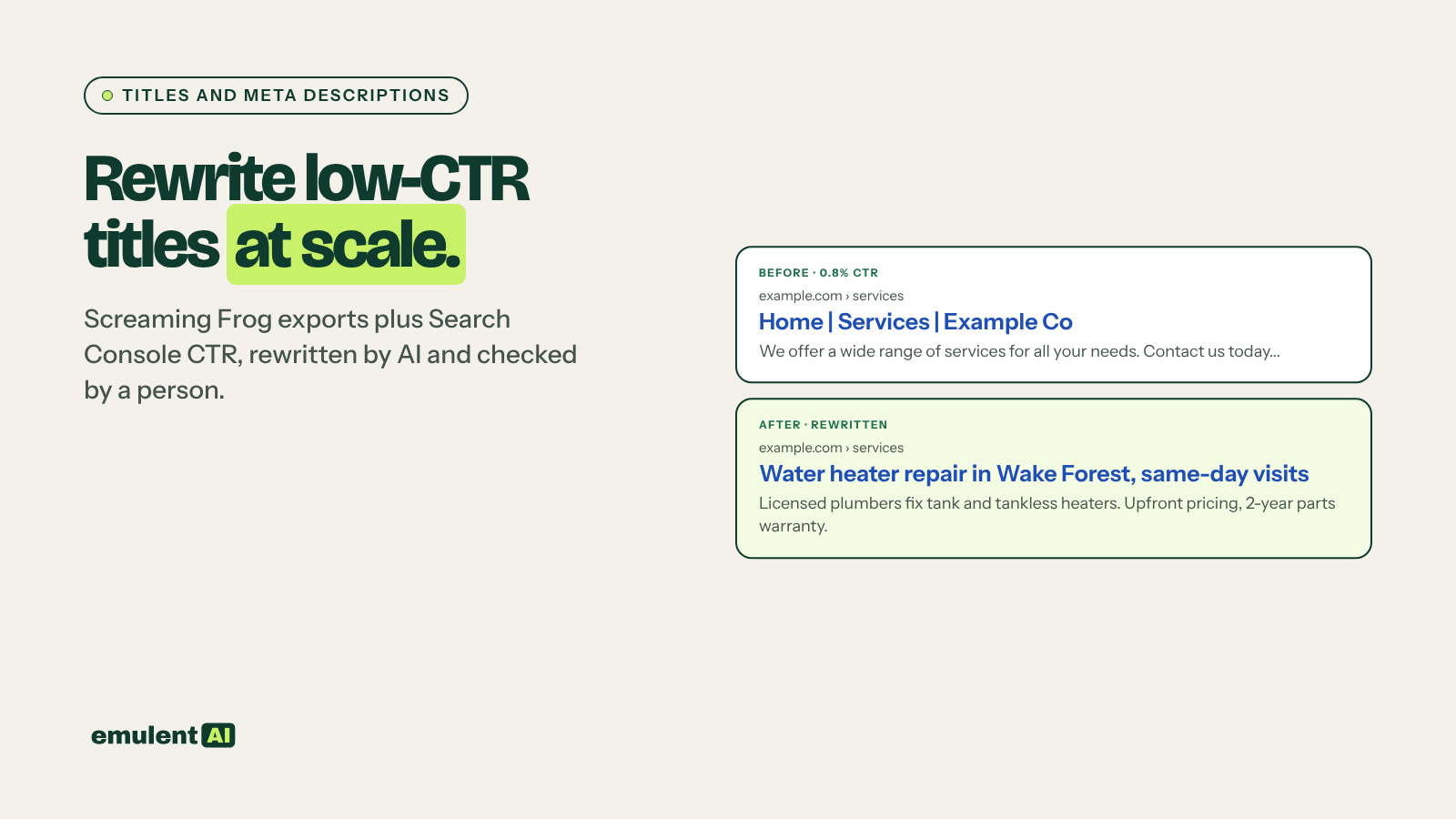
A page ranking fourth with a 1 percent click-through rate is losing clicks it has already earned. Title tags and meta descriptions are the main text people see before choosing a result, and on most sites they were written once, years ago, and never checked against what the page ranks for now. AI can rewrite hundreds of them in an afternoon. The value comes from rewriting the right ones, using the queries each page actually gets.
What you need
- Screaming Frog, to export every title, meta description and H1
- Google Search Console, with CTR, position and queries by page
- An AI assistant that reads CSV files, such as Claude
- Access to edit titles and metas in your CMS (in WordPress, usually through Yoast, Rank Math or a similar SEO plugin)
Step 1: Crawl and export
Crawl the site with Screaming Frog. From the Page Titles and Meta Description tabs, export each URL with its title, title length (characters and pixels), meta description and meta length. Add the H1 from the H1 tab. If you connect Screaming Frog to Search Console under Configuration > API Access, it adds clicks, impressions, CTR and position to the same export.
Step 2: Find the pages underperforming for their position
CTR falls sharply with position, so a 3 percent CTR is poor at position 2 and fine at position 9. Compare each page against your own site’s average for its position.
Attached is a Screaming Frog export of titles, metas and H1s joined with Search
Console clicks, impressions, CTR and average position for the last 3 months.
1. Keep pages with average position 1 to 10 and at least 500 impressions.
2. Group them into position bands: 1-3, 4-6, 7-10. Calculate the median CTR
   for each band across our site.
3. Flag pages whose CTR is below half the median for their band.
4. Also flag: missing titles or metas, duplicate titles or metas, titles over
   600 pixels, metas over 155 characters, titles that do not contain any of the
   page's top 3 queries.
5. Estimate extra clicks per flagged page if it reached the band median.
Sort by estimated extra clicks. Output CSV.
Using your own site’s medians, instead of an industry CTR curve, accounts for your niche and how crowded your search results are.
Step 3: Get the queries for each flagged page
Export the top queries for each flagged page from Search Console (or via the API). A title should match how people actually search, not how the page was originally framed. A post titled “Our thoughts on remote work tools” that ranks for “best remote work tools for small teams” needs a title that says so.
Step 4: Have the AI write the new versions
For each page in the attached file, you have: URL, current title, current meta,
H1, and the top 5 queries by impressions with their clicks.
Write a new title and meta description for each page:
Title rules:
- Under 60 characters, main query near the start
- Says what the page is (guide, list, tool, service, comparison) when that
  helps the searcher choose
- Include the brand name at the end only if there is room
- No clickbait, no claims the page does not support, no year unless the
  content is updated for that year
Meta rules:
- 140 to 155 characters
- States what the reader gets from the page, using wording from the top queries
- Specific: a number, a feature, a price range, a location, if the page has it
Output CSV: URL, old title, new title, new title length, old meta, new meta,
new meta length, and one line explaining the change.
Use only facts that appear in the H1, current title or current meta. If you
need a fact that is not there, write CHECK.
The last rule stops the AI from promising things the page does not deliver, such as “free template included” on a page with no template. Those titles may raise CTR briefly and then lose rankings when visitors bounce.
Step 5: Review before publishing
Read every rewrite. Check that:
- The title still matches what the page delivers
- Any CHECK items are confirmed or removed
- Brand and legal wording rules are followed (regulated industries often have restrictions)
- Titles on similar pages are different enough that Google and searchers can tell them apart
If a page’s queries show a mix of intents, such as people wanting both prices and how-to steps, the title may not be the real problem. Our guide to search intent matching helps decide whether the page itself needs to change.
Step 6: Publish in batches and measure
Google may rewrite your title in search results, especially when it is very long, stuffed with keywords or does not match the page. It also writes its own snippet instead of your meta description when it thinks another passage answers the query better. You cannot prevent this, but titles that describe the page accurately are rewritten less often.
Publish changes in batches of 20 to 50 pages and note the date. After 4 weeks, export CTR for the same pages and ask the AI to compare before and after, adjusting for any position changes. Revert any title where CTR dropped. Pages where the title rewrite lifted CTR but the page still sits in positions 8 to 20 are good candidates for a striking-distance update.
Repeat the CTR check monthly for your top 200 pages, and after any big site change.
Put this to work with Bill.
Send Bill your exports and tell him what you are trying to fix. He’ll tell you which of these workflows to run first.
Contact Bill directly
Or call 773-791-3197