This guide is part of our series on AI content strategy.
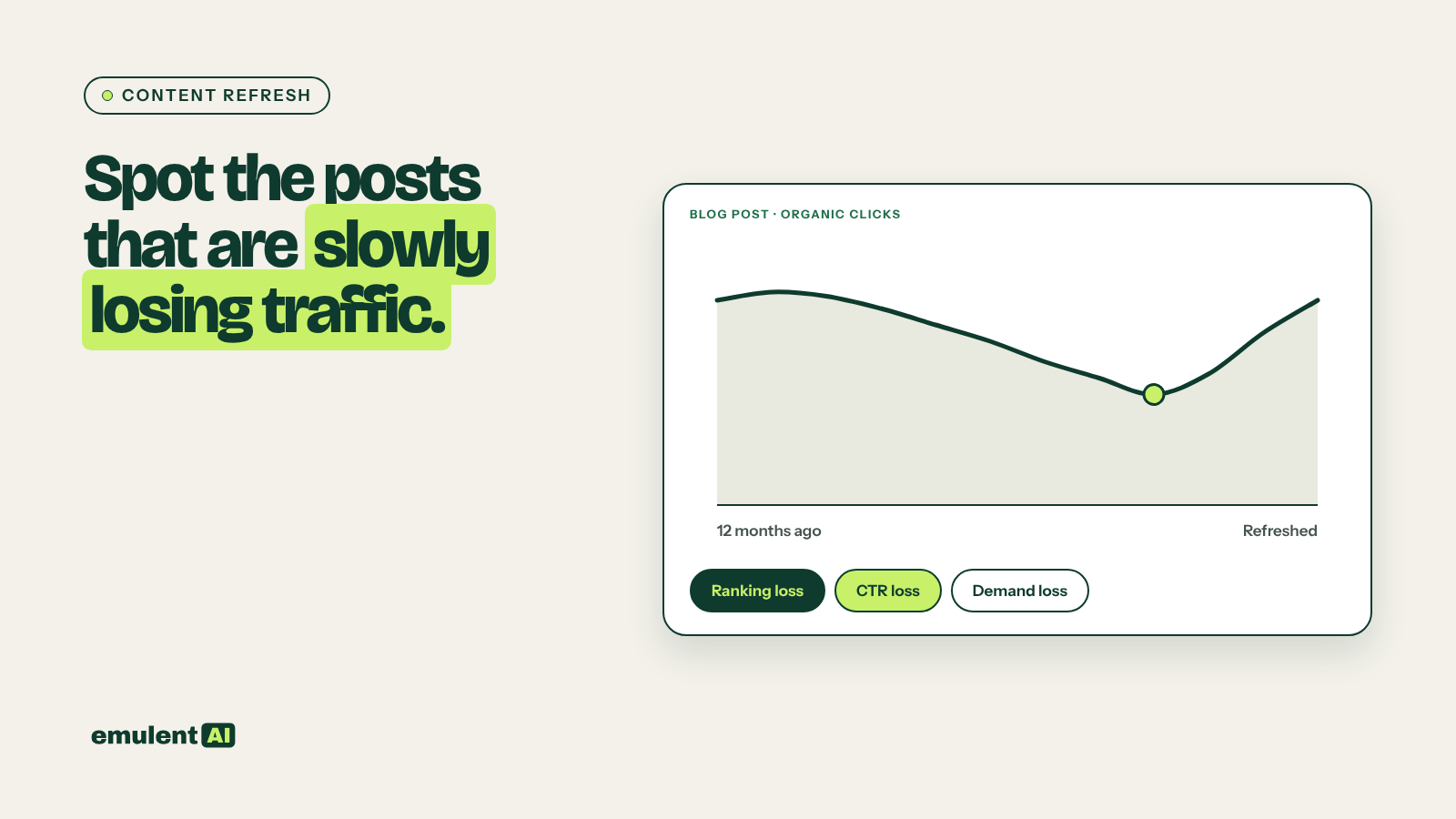
Content decay is the slow loss of traffic on posts that used to perform. A post published two years ago brought 2,000 visits a month; now it brings 900, and nobody noticed because it happened a few percent at a time. Refreshing these posts is often the cheapest traffic you can win back. AI is useful here because it can compare two periods across hundreds of URLs and sort the real declines from seasonal dips.
What you need
- GA4, with sessions and key events by landing page
- Google Search Console, with clicks, impressions and position by page and by query
- Semrush, optionally, for ranking history and current competitors
- An AI assistant that reads CSV files, such as Claude
Step 1: Export two comparable periods
Compare the last 3 months with the same 3 months a year earlier. Comparing with the previous 3 months makes seasonal topics look like they are decaying when they are not.
- GA4: Reports > Engagement > Landing page, filtered to organic search, with sessions, engaged sessions and key events for both periods.
- Search Console: Pages report for both periods with clicks, impressions, CTR and position.
- Search Console: query data by page for the posts you will investigate later.
Search Console keeps 16 months of data, so the year-over-year comparison only works for the most recent 4 months. Save your exports each quarter so you have a longer history.
Step 2: Have the AI flag decaying posts
Attached are GA4 organic landing page data and Search Console page data for two
periods: the last 3 months and the same 3 months last year.
1. Join the files on URL (normalize trailing slashes and remove parameters).
2. For each URL, calculate the change in GA4 sessions, Search Console clicks,
   impressions and average position.
3. Flag URLs where clicks fell 25% or more AND the earlier period had at least
   100 clicks.
4. Classify each flagged URL:
   - Ranking loss: average position worsened by 2 or more
   - CTR loss: position unchanged (within 2), impressions unchanged, clicks down
   - Demand loss: impressions down, position unchanged
   - Tracking issue: GA4 sessions fell far more than Search Console clicks
5. Rank by lost clicks. Output CSV with the classification and reasoning.
Each classification points to a different fix:
| Type | What it usually means | What to do |
|---|---|---|
| Ranking loss | Competitors published better or newer pages, or your page went out of date | Rewrite and expand the post |
| CTR loss | An AI Overview, ads or other features now sit above you, or your title stopped matching the query | Rewrite the title and meta description; make the answer easy to cite |
| Demand loss | Fewer people search for the topic | Leave it, merge it into a broader post, or accept the lower traffic |
| Tracking issue | Consent banner, tag or GA4 setup changed | Fix the tracking before touching content |
If the post lost rankings for one specific query while another of your pages gained, the two pages may be competing. Check our guide to keyword cannibalization before rewriting.
Step 3: Diagnose the top ranking losses
For the 10 posts with the biggest ranking losses, gather the post’s text, its query data for both periods, and the text of the pages now outranking it.
Our post "[title]" lost an average of [x] positions over the past year.
Attached: our post, its Search Console queries for both periods, and the 3 pages
now ranking above it for its main query.
1. Which queries did it lose the most clicks on?
2. What do the outranking pages cover that our post does not?
3. What in our post is outdated: statistics, screenshots, product names,
   prices, references to past years, broken examples?
4. Is our post the same format and depth as what ranks now?
5. Write a refresh plan: sections to add, sections to rewrite, sections to cut,
   and facts to verify. Order by likely effect.
Do not invent statistics. Where new data is needed, write "FIND SOURCE".
The FIND SOURCE instruction is important. An AI asked to update a post will sometimes supply fresh-looking numbers that it made up. Every new fact needs a real source, checked by a person.
Step 4: Do the refresh properly
A refresh that moves rankings is more than a new date at the top. Good refreshes usually include:
- New sections covering what the outranking pages cover and yours does not
- Updated facts, prices, screenshots and examples, each checked against a source
- Removal of outdated sections, instead of leaving them with a note
- A new title and meta description if the query mix has changed
- Internal links from newer related posts back to the refreshed one
- First-hand material only you have: results from your own work, original photos, quotes from your team
Keep the same URL. Changing it throws away the links and history the page has built. Update the “last updated” date only when the content changed meaningfully.
Step 5: Track the results
Keep a refresh log with URL, date, type of decline and what you changed. After 6 to 8 weeks, ask the AI to compare clicks, impressions and position for each refreshed post with the weeks before. Posts that recovered show you which kinds of refresh work for your site. Posts that recovered only partly may need their remaining queries handled as striking-distance keywords.
Run the decay check quarterly. For sites with hundreds of posts, a monthly check of the top 100 traffic pages catches the biggest losses sooner.
Put this to work with Bill.
Send Bill your exports and tell him what you are trying to fix. He’ll tell you which of these workflows to run first.
Contact Bill directly
Or call 773-791-3197