Most marketing teams I talk to don’t have an AI problem. They have a setup problem. Someone signed up for ChatGPT, someone else likes Claude, the CMO tried Gemini because it came with Workspace, and there’s a writing tool and a meeting bot on the company card too. None of them knows anything about the business, and nobody can say which one has client data in it.
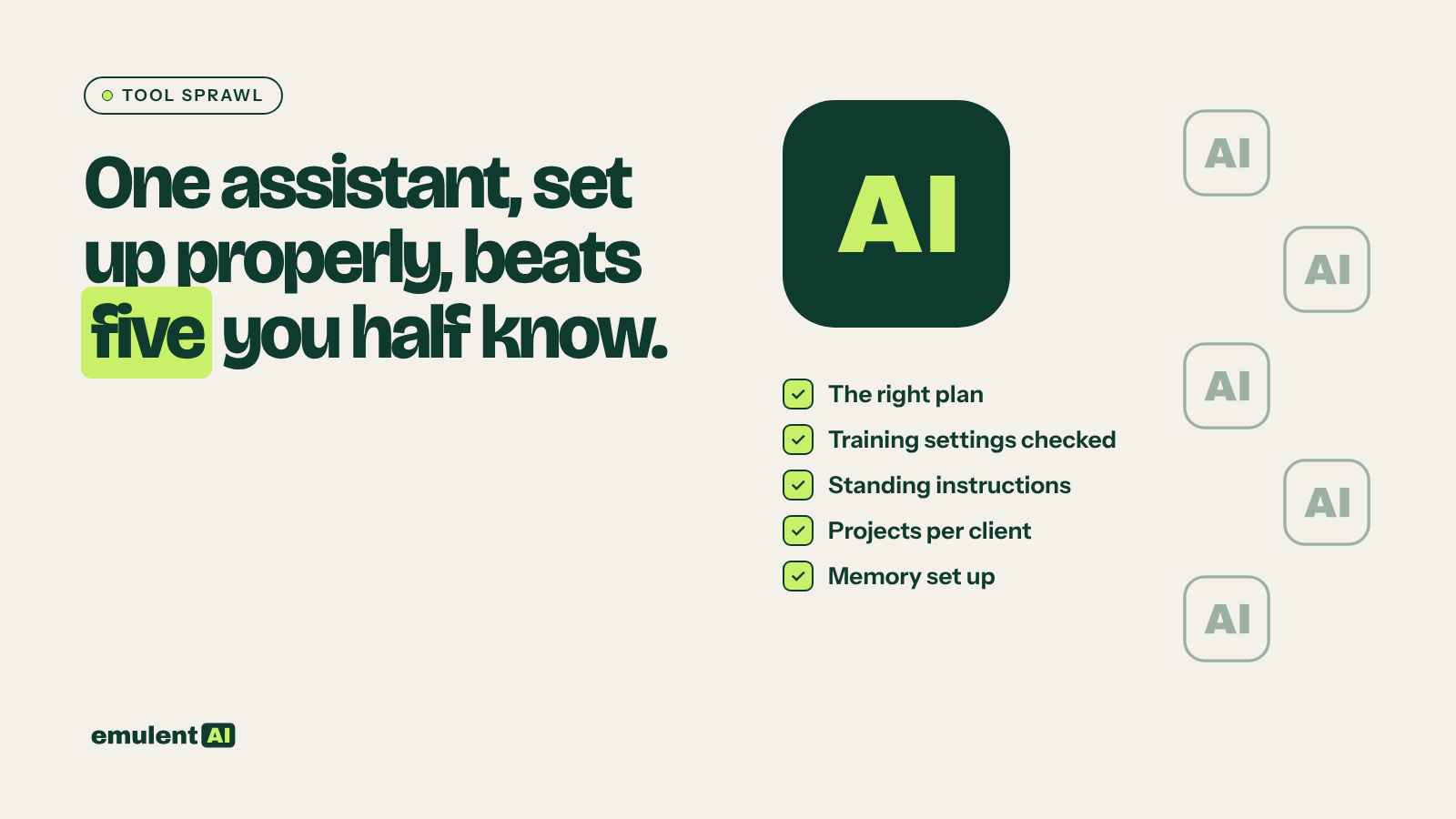
My advice is to pick one main assistant, put it on the right plan, and configure it before anyone pastes in real work. One tool that knows your clients and your house style will beat five tools that start every conversation from zero. The rest of this post is the setup list we use at Emulent, in the order I’d do it.
Why five tools usually do less than one
A language model only sees the conversation in front of it. It has no memory of your business unless you give it that context. Every new tool you add starts at that same blank slate, so the work of briefing it gets done five times, badly, or not at all.
Sprawl also splits up your risk. Each tool has its own training setting, its own retention rules and its own idea of what a “project” is. When a client asks where their data went, “probably one of these” is a bad answer.
The research points the same way. McKinsey’s state of AI report from August 2026 found nearly nine in ten respondents say their organizations regularly use AI in at least one business function, yet only 44% say it is scaling across the company. In Gartner’s 2026 CMO Spend Survey, only 30% of CMOs reported mature or fully developed AI readiness. Plenty of people use AI. Far fewer have it set up to do real work the same way twice.
What “set up properly” means
None of this needs code. It’s mostly settings and writing, and most of it you do once.
Choose one assistant and the right plan
Pick the assistant your team will use for most of its work and learn it well. Then look hard at the plan. The business tiers from the big vendors are set up differently from personal ones on the question that worries clients most: whether your chats are used to train the model.
OpenAI’s help center says it does not train on inputs or outputs from ChatGPT Business, ChatGPT Enterprise or the API by default. Anthropic says the same about its commercial products, Claude for Work and the API. Google says Workspace does not use customer data to train models without the customer’s permission on qualifying editions. If client work is going into the tool, start on a business plan.
Decide on training settings before anyone pastes client info
If someone on your team uses a personal plan, find the setting today. On ChatGPT Free, Plus and Pro, data sharing is on by default; the switch is under Settings, Data Controls, “Improve the model for everyone”. On Claude’s Free, Pro and Max plans it’s the Model Improvement setting in Privacy Settings. On a personal Google account, Gemini’s Keep Activity setting is on by default for users 18 and over. These settings change, so check them yourself in your own account (and don’t take a blog post’s word for it, this one included).
Write standing instructions
Brief it like a new hire. Every major assistant has a place for instructions that apply to every chat. Tell it who you are, who your clients are, how you like work formatted, and the phrases you never want to see. Five good paragraphs here save you from typing the same context into hundreds of prompts.
Give each client or recurring job its own project
Projects keep details from bleeding between clients. Anthropic describes Claude projects as self-contained workspaces with their own chat histories and knowledge bases, and each one gets its own separate memory space. In ChatGPT, project instructions apply only within that project. Load each project with what you’d give a new hire on day one: the brand guide, past winning work, the client’s audience notes, a list of what’s off limits.
Turn memory on, then prune it every month
Memory saves time, and it also carries wrong assumptions forward. If a client changed positioning in March and the assistant still remembers the old line, it will keep writing the old line. Put a monthly reminder on the calendar to skim and delete. In Claude, it’s Settings, Capabilities, “View and edit memory.” In ChatGPT, it’s Settings, Personalization, Memory.
Keep a never-paste list
Write it down and pin it where people work. Ours starts with passwords and logins, API keys, and customer personal data. Add anything your client contracts or NDAs restrict. A business plan lowers the risk of a paste going wrong; it doesn’t make every paste a good idea.
Pick a default model and a checking habit
Choose which model your team uses by default so results are comparable, and agree on the check that happens before anything leaves the building. Facts and stats get verified against a source. Code runs on staging first. The assistant predicts likely text, and plausible is a lower bar than true.
When a second tool earns its place
You can still add tools later. Each extra one just has to do a job the main one can’t. When we audited 20,000 pages for SEO, Semrush did the crawling and Claude read the full export, grouped issues by pattern and produced a fix list ranked by impact and effort. Semrush earned its place because it supplied data the assistant had no way to produce.
The other case is a job you repeat so often that it deserves its own tool. That’s where a custom AI tool beats both the general assistant and another subscription: fixed inputs and a check step built in.
A fair test for any new AI subscription is whether you can name the specific job it does that your main assistant can’t. If the answer is “it writes a bit differently,” you probably don’t need it.
What you get for the effort
The payoff from a well-set-up assistant shows up in the boring places. Drafts come back closer to your voice on the first try. A new team member gets the same context everyone else has. When a client asks how their data is handled, you can answer in one sentence because there’s one tool and one set of settings to point to.
AI gets you to good, fast. Setting it up properly is how you stop re-explaining your business every morning, so your time goes into getting the work from good to great.
Next step
If you want help choosing the assistant and configuring it for your team and clients, that’s what our AI tool selection and implementation work covers. If you’re not sure where your team stands yet, start with an AI readiness assessment, which scores your data, tools, skills and risk before you buy anything else.
Put this to work with Bill.
Tell Bill where your team is with AI right now. He’ll tell you what he would do first and what he would leave alone.
Contact Bill directly
Or call 773-791-3197